How to manage access across multiple buildings, locations and rental properties
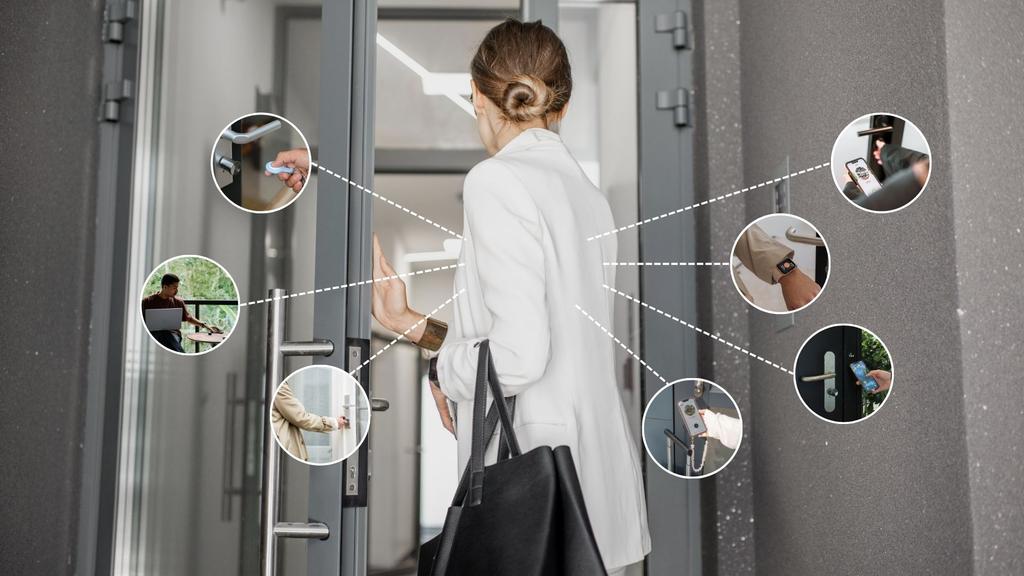
The best way to manage access across multiple buildings, locations and rental properties is through a centralised digital access management system. Smart locks, digital keys and remote access controls allow administrators to grant, modify and revoke access from anywhere without distributing physical keys.
This approach improves security, reduces operational costs and makes it easier to manage employees, contractors, guests, tenants and service providers across multiple sites.
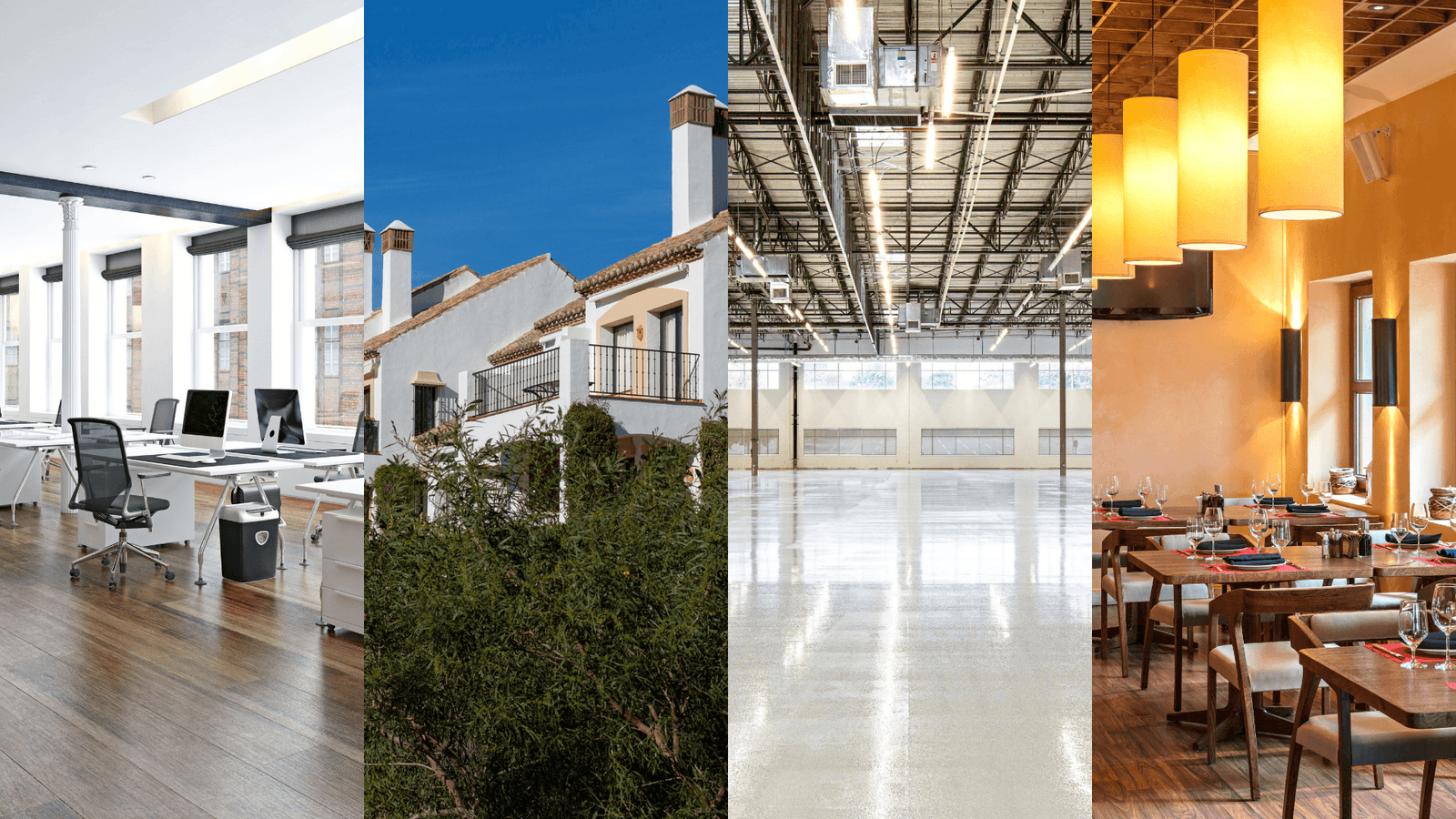
Whether you manage office buildings, holiday rentals, hospitality locations or distributed teams, centralised access management provides greater visibility, flexibility and control than traditional key systems.
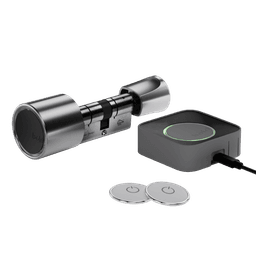
Solutions such as Bold help organisations implement this approach by combining smart locks, digital access management and remote access control in a single platform.
What is multi-location access management?
Multi-location access management means controlling who can enter different buildings, offices, rooms, rental properties or shared spaces from a single system.
Traditional setups often rely on physical keys, key safes, spreadsheets or local site managers. Digital setups use smart locks, digital keys and a central platform.
A good system answers four questions:
- Who has access?
- Which door or location can they access?
- When is their access valid?
- Can access be changed or removed instantly?
Why managing access across multiple locations is difficult
Access management becomes increasingly complex as the number of users, locations and access requirements grows. Physical keys need to be copied, handed over, tracked and eventually returned. Across multiple sites, this often leads to:
- Unclear key ownership
- Lost or unreturned keys
- Expensive lock replacements
- Time-consuming key handovers
- Limited visibility into who entered
- Dependence on local staff
- Security risks when former employees or guests still have keys
For organisations managing multiple buildings or properties, these challenges can quickly become difficult to scale. This is why many businesses are moving from traditional key management to digital access control, where permissions can be granted, adjusted and revoked remotely.
The best way to manage access across multiple rental properties
Rental properties have constantly changing access needs. Guests arrive and leave, cleaners need recurring access and maintenance teams may require one-time entry.
A smart access setup allows permissions to be assigned based on role and schedule without handing over physical keys.
Example: holiday rental access
A guest books a stay from Friday to Monday. Instead of arranging a physical key exchange, you create a digital key that only works from check-in to check-out.
The cleaner receives access every Monday between 10:00 and 11:00, immediately after guest checkout and before the next check-in. A maintenance worker receives one-time access on Wednesday morning.
When the time window ends, access expires automatically.
With Bold Connect, these permissions can be managed remotely, reducing the need for key exchanges and on-site coordination.
For even easier guest access, Bold Pro includes webkeys. Instead of downloading the Bold app, guests receive a secure link that allows them to unlock the door directly from their smartphone browser. This can simplify check-ins for holiday rentals, short-stay apartments and other temporary access situations while allowing property managers to remain in control of access permissions.

How facility managers can manage access across multiple buildings
Facility managers need systems that are structured, scalable and easy to update.
A practical approach is to organise access by:
For example, office employees may only need access to their own workplace and the entrance. Regional managers may need access to several sites. Cleaners may need recurring evening access. Contractors may need temporary access to a technical room.
How to manage access for distributed teams across different locations
Distributed teams often work across offices, warehouses and shared workspaces.
Creating access rules based on role and location helps ensure people can enter the spaces they need without granting unnecessary permissions.
For example:
- A sales employee can access the London office.
- A regional manager can access London, Manchester and Birmingham.
- A warehouse team can access operational doors only.
- A temporary employee receives access for the duration of their contract.
- A contractor receives access for one day
What is remote access management for buildings?
Remote access management means controlling building access without being physically present.
Administrators can grant, change or revoke access through an app or web portal. Depending on the setup, they may also unlock doors remotely and review access activity.
Within the Bold ecosystem, this functionality is provided through Bold Connect. It links compatible smart locks to the internet, allowing authorised administrators to manage access remotely and unlock doors from anywhere.
Smart locks vs physical keys for multi-location access
Physical keys
Advantages:
- Easy to understand
- No app required
- Works without digital infrastructure
- Familiar to most users
Disadvantages:
- Keys can be lost or copied
- Access cannot be revoked remotely
- Lock replacement may be needed after a security issue
- No activity history
- Difficult to manage across multiple locations
Smart locks and digital access control
Advantages:
- Access can be granted and removed quickly
- Temporary access can expire automatically
- Easier remote management
- Activity logs improve visibility
- Better suited to multiple buildings and teams
Disadvantages:
- Users may need guidance initially
- Setup requires planning
- Not every smart lock is suitable for business use
- Battery and connectivity considerations remain important
For organisations managing multiple sites, Bold can help simplify administration by replacing physical key management with digital access rights.
What to look for in a smart lock for rental properties and multiple buildings
Not every smart lock is designed for multi-location access.
1. Central access management - Manage users, locks and permissions from one place.
2. Temporary access - Allow access for a limited period for guests, contractors or temporary staff.
3. Remote access options - Manage doors without being on site.
4. Activity logs - Review access activity when needed.
5. Role-based permissions - Assign access based on responsibilities.
6. Easy access for guests and contractors - Look for simple access methods that do not always require an app or account.
7. Strong physical security - Reliable hardware remains essential.
8. Reliable backup options - Ensure there is a clear solution for low batteries, connectivity issues or emergency access.
Best practices for managing access across multiple locations
Create access groups
Group people by role or location, such as:
- London office employees
- Weekend cleaning team
- Maintenance contractors
- Property managers
- Short-stay rental guests
Use the least-access principle
Give people access only to the locations and time windows they need.
A cleaner does not need permanent access. A guest does not need access before check-in. A former employee should not keep access after leaving.
Review access regularly
Check active users on a regular schedule and remove outdated permissions.
Remove access for:
- Former employees
- Past guests
- Old contractors
- Expired projects
- Unused accounts
- Duplicate users
Use temporary access by default
Anyone who does not need permanent access should receive temporary access.
Keep an access policy
A simple access policy helps everyone understand how access is granted, changed and removed.
Include:
- Who can approve access
- Which roles receive which permissions
- How temporary access is handled
- How offboarding works
- How often access is reviewed
- What to do if a device or phone is lost
Monitor activity without micromanaging
Activity logs should support security, accountability and operational improvements.
Bold provides activity visibility that helps managers maintain oversight without relying on manual key tracking.
Real-world examples
Example 1: Facility management across offices
A company has offices in Amsterdam, London and Berlin. Employees access their local office, while regional managers access all three.
Access groups make permissions easier to manage when employees move between locations.
Example 2: Rental properties with cleaners and guests
A property manager oversees ten short-stay apartments. Each guest receives temporary access for their booking period. Cleaners receive recurring access after checkout. Maintenance workers receive one-time access when needed.
This removes the need for key safes, spare keys and manual handovers.
Example 3: Contractors across multiple buildings
A contractor needs access to three buildings for an installation project. Instead of giving them permanent keys, the manager creates temporary access for the exact dates and times required.
When the project is complete, access expires automatically.
Example 4: Distributed team access
A growing company operates across several coworking-style offices. Access rights are adjusted based on role and location.
A simple framework for choosing the right access setup
Use this framework before choosing a system.
1. Map your doors - List every building, entrance and restricted area.
2. Map your users - Identify everyone who needs access.
3. Define access levels - Determine who needs permanent, recurring, temporary or one-time access.
4. Choose the right access method - Determine how different user groups will gain entry.
5. Plan your offboarding process - Define how access will be removed when it is no longer needed.
6. Review and improve - Regularly assess activity, feedback and operational performance.
How Bold helps manage access across multiple locations
Bold Pro helps businesses, facility managers and property managers move from physical key management to smart access control.
Founded in the Netherlands and headquartered in Utrecht, Bold focuses on making access management simple, secure and scalable. Rather than relying on copied keys, organisations can manage access digitally across offices, rental properties, hospitality locations and commercial buildings.
Bold Pro provides a central environment where administrators can manage users, locks, groups and permissions across multiple locations. This makes it easier to organise access based on buildings, departments, teams or individual responsibilities.
Easy installation without complex infrastructure
Unlike many traditional access control systems, Bold does not require extensive wiring, door modifications or specialised infrastructure.
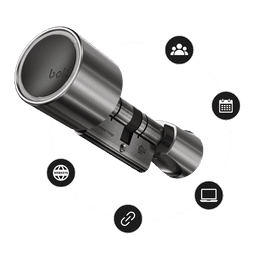
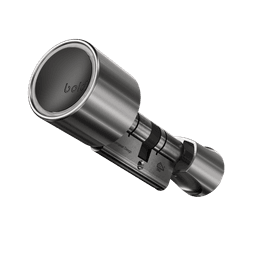
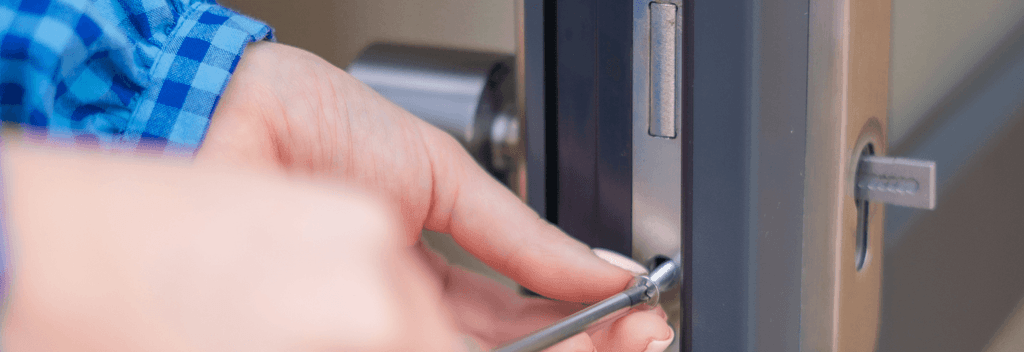
The smart lock replaces the existing cylinder and can typically be installed within minutes, allowing organisations to upgrade access management without major building works.
This makes deployment particularly attractive for rental properties, offices and organisations operating across multiple locations.
Long battery life designed for everyday reliability
One of the most common questions about smart locks is: "What happens when the battery runs out?"
Bold smart locks are designed for long-term reliability, with a minimum battery life of two years under normal use. Long before the batteries need replacing, users receive multiple low-battery notifications through the Bold app and email, ensuring there is ample time to take action.
For businesses and property managers overseeing multiple locations, this reduces maintenance requirements and helps ensure reliable access without unexpected downtime.

Temporary access without requiring an app
Many smart access systems require every visitor, contractor or supplier to download an app and create an account.
Bold offers a different approach: webkeys. Administrators can generate a secure browser-based link that allows someone to unlock a door without downloading the Bold app or creating an account.
This can be particularly useful for:
- Contractors
- Maintenance teams
- Delivery services
- Vendors
- Visitors
- Short-stay rental guests
For organisations that regularly work with external parties, webkeys reduce friction while maintaining control over access permissions.

Remote access management with Bold Connect
The Bold Connect links compatible locks to the internet and enables remote management capabilities. Authorised administrators can manage access remotely and unlock doors from anywhere when necessary.
This can be valuable for rental properties, hospitality businesses, maintenance visits and situations where someone requires access while no one is physically present.

Security without physical key management
Security remains one of the primary reasons organisations adopt smart access management.
Bold replaces the traditional cylinder and removes the keyhole, reducing risks associated with lost, copied or unreturned keys.
Combined with digital permissions, activity visibility, remote management and temporary access controls, organisations gain more control over who can access their buildings and when.