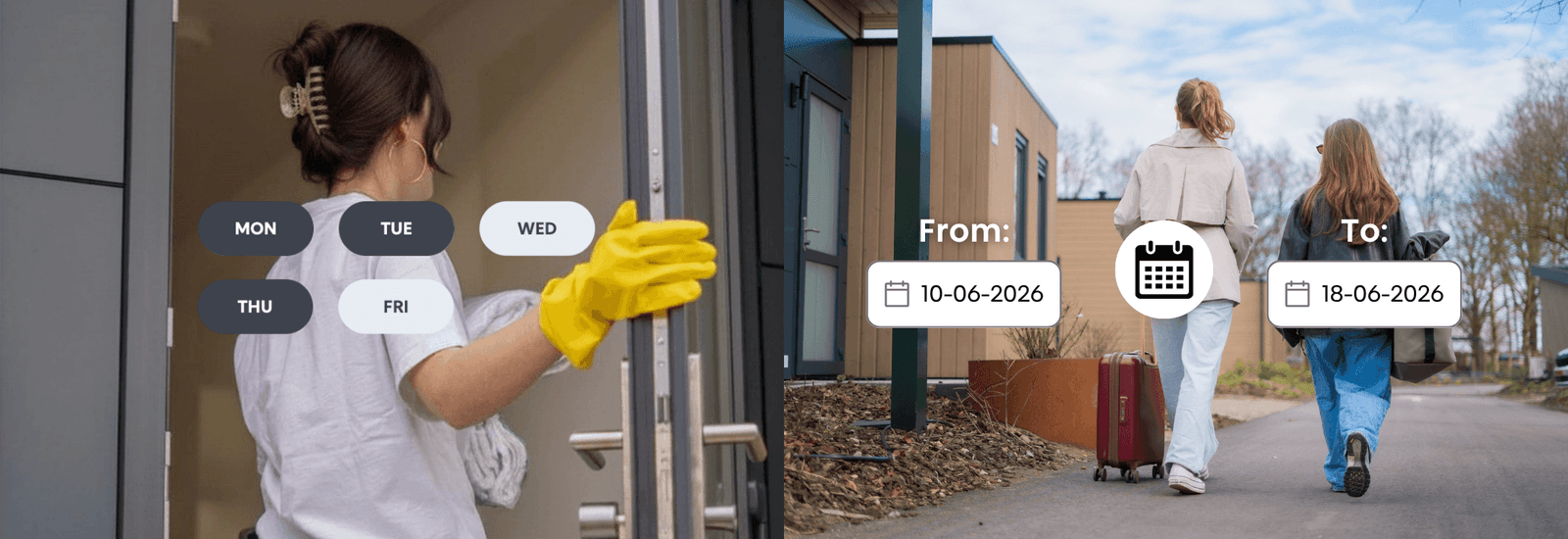
Smart access should adapt to your life, not the other way around. Whether you want to let in a cleaner every Tuesday morning, give a guest access for the weekend, or manage recurring visitors without manually sharing digital keys each time, Bold makes it simple.
With the latest access features, you can now create scheduled access for recurring moments and temporary access for a limited time period.
Here’s everything you need to know.
Scheduled access: recurring access on your terms
Available for all Bold locks, scheduled access allows you to automate when someone can enter your property.
Instead of giving permanent access, you can define exactly when someone is allowed to unlock the door. Perfect for recurring visits or predictable routines.
What is scheduled access?
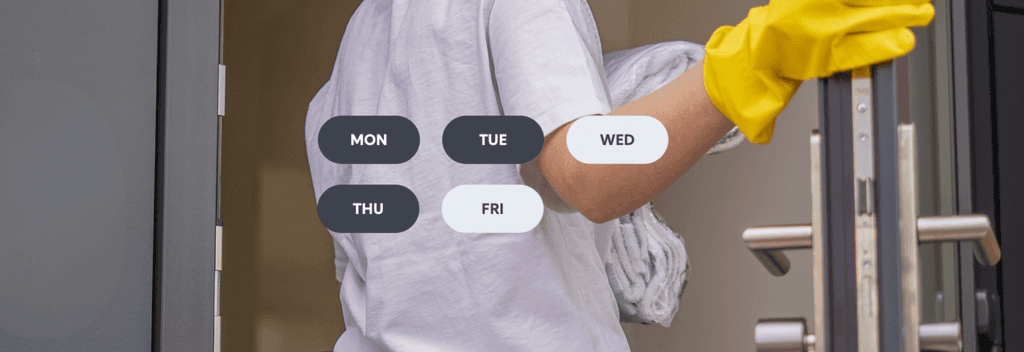
Scheduled access allows you to create recurring access moments for specific users. Instead of giving someone unlimited access to your lock, you decide exactly when they are allowed to enter.
By setting specific days and time slots, you can match access to real-life routines without needing to manage it manually every time. It’s a smarter way to share access with people who visit regularly, while still keeping full control over your lock.
For example:
- A cleaner can enter every Monday between 09:00 and 13:00
- A dog walker can access your home on weekdays around lunchtime
- Employees can unlock the office during working hours only
- A sports coach can access a clubhouse every Wednesday evening
Outside of the selected schedule, the lock simply remains inaccessible to that user.
How to set up scheduled access
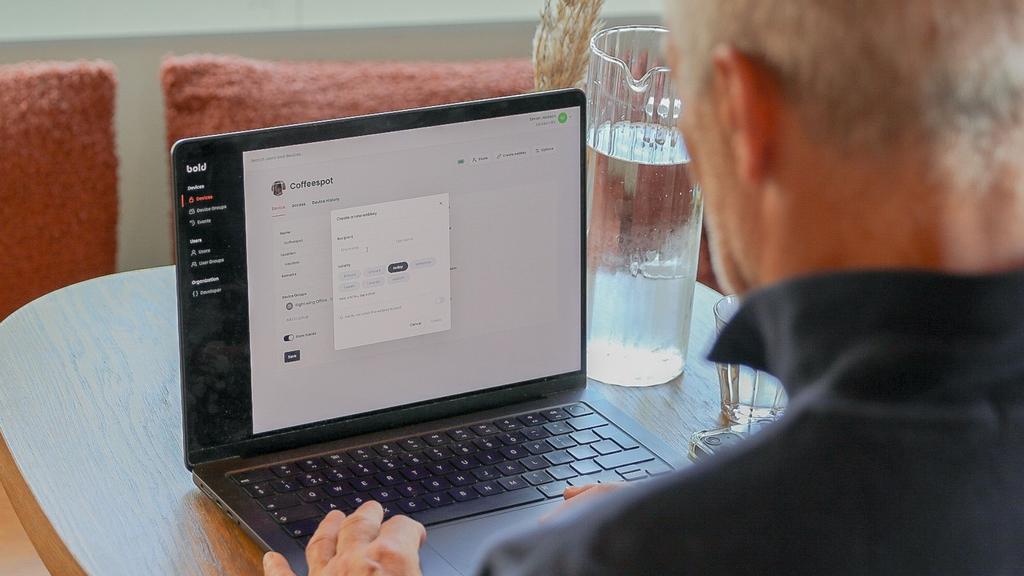
Creating scheduled access in the Bold app only takes a few steps and can be adjusted whenever needed.
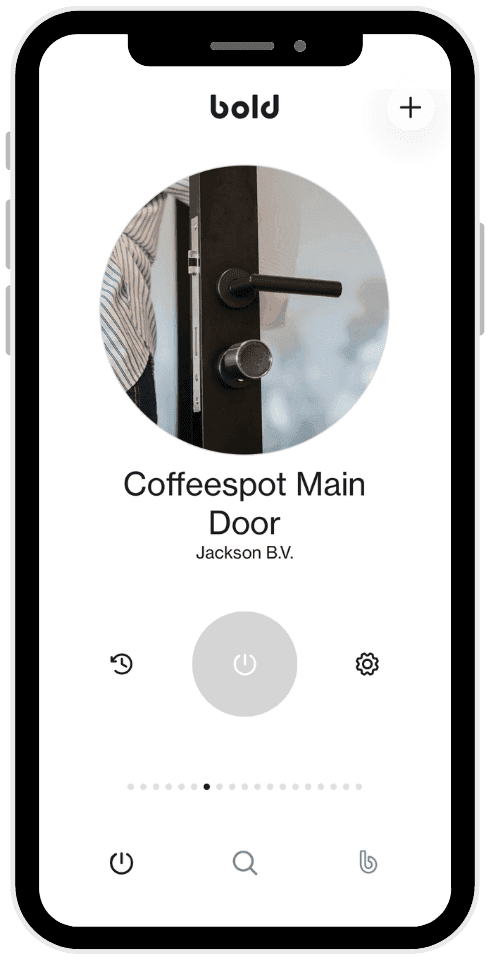
1. Open the Bold app
2. Select the lock you want to manage
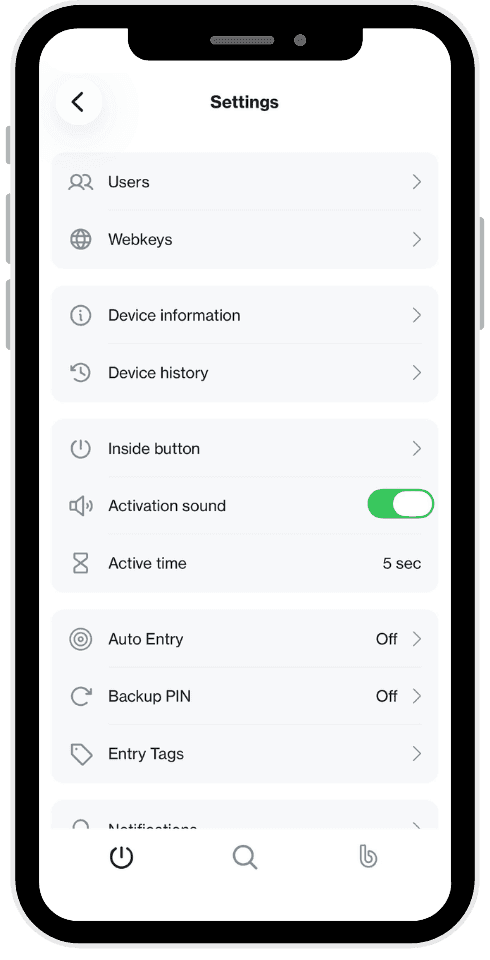
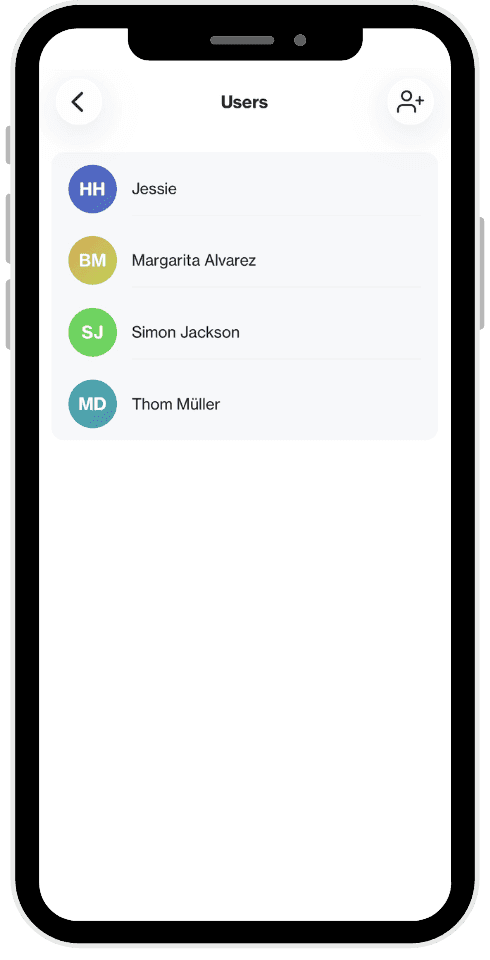
3. Go to Users
4. Invite a new user or select an existing one
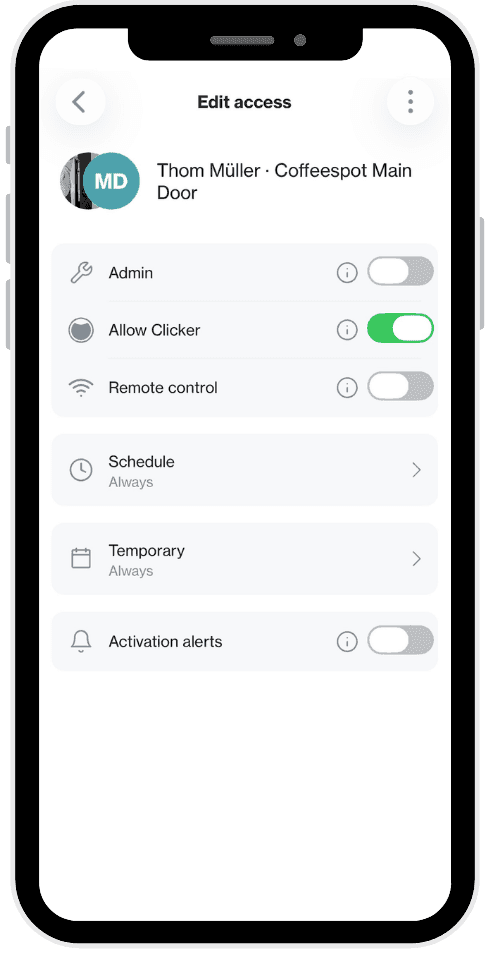
5. Choose Schedule
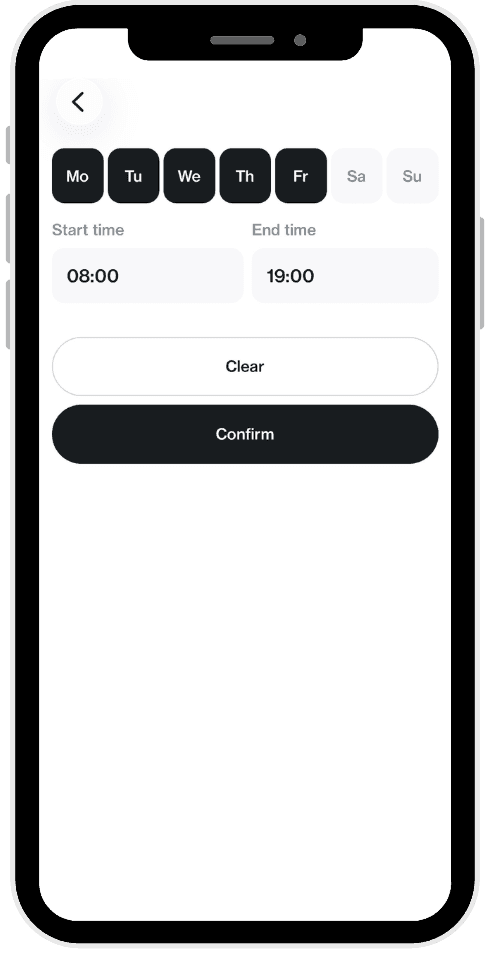
6. Select the days and time slots
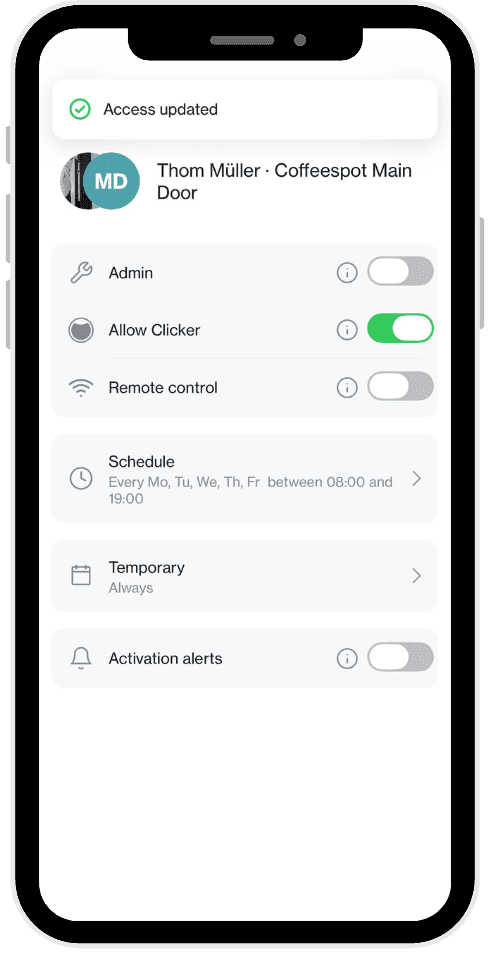
7. Save the schedule
Once configured, the schedule works seamlessly in the background. Users can unlock the door during their assigned time slots, without you needing to manually manage access each time.
Whether you’re managing a home, office, shared building, or rental property, scheduled access helps streamline everyday routines while keeping access organised and secure.
Why people use scheduled access
Scheduled access is ideal for situations where someone needs recurring access, but not unlimited access. Instead of handing out permanent digital keys, you can tailor access around daily or weekly routines.
This is especially useful for households, businesses, shared spaces, and rental properties where different people require access at different times.
People use scheduled access when:
- They want more control without manually sharing access every time
- Someone visits on a recurring basis, such as a cleaner, dog walker, or employee
- They want to avoid inactive or forgotten permanent digital keys
- Multiple users need different access schedules
- They want extra peace of mind around who can enter and when
For example, you can allow a cleaner to enter only on Tuesday mornings, while giving colleagues access during office hours. This keeps access flexible for users, while maintaining clear boundaries for your property.
The result is a practical balance between convenience and security: access is always aligned with the moments it’s actually needed.
Temporary access: give access for a limited period
Available exclusively with Bold Pro, temporary access allows you to share your lock for a fixed period of time. Instead of giving someone permanent access, you can decide exactly when their access starts and when it ends.
This makes temporary access ideal for short stays, one-time visits, or situations where someone only needs access for a limited duration.
Whether you’re welcoming guests, managing a rental property, or coordinating with external workers, temporary access helps you stay flexible without losing control over your property.
What is temporary access?
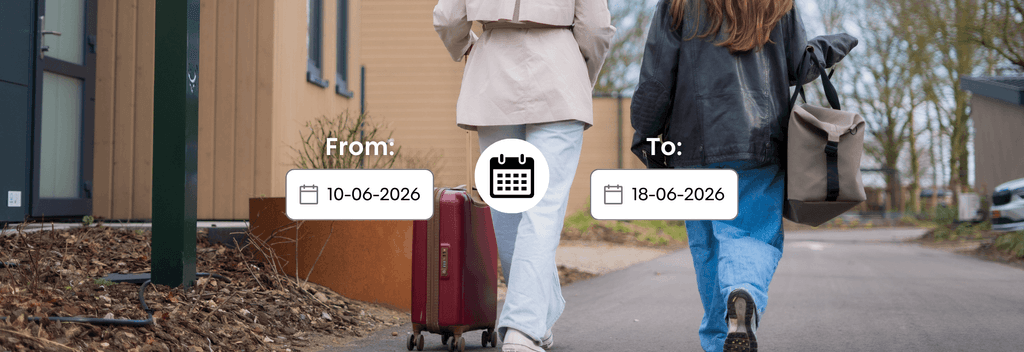
Temporary access allows you to create a digital key with a clear start and end moment. Once the selected time period has passed, access is no longer valid.
There’s no need to manually remove users afterwards, making it a convenient solution for situations where access is only needed temporarily.
For example:
- Guests staying over for a weekend
- Airbnb or holiday rental visitors
- Contractors working on a renovation
- Temporary office staff
- Delivery or maintenance services requiring one-time entry
Because access is limited to a specific timeframe, you always know exactly who can enter your property and for how long.
How to set up temporary access
Creating temporary access with Bold Pro is quick and easy in the Bold app.
1. Open the Bold app
2. Select your Bold Pro lock
3. Go to Users
4. Invite a new user or select an existing one
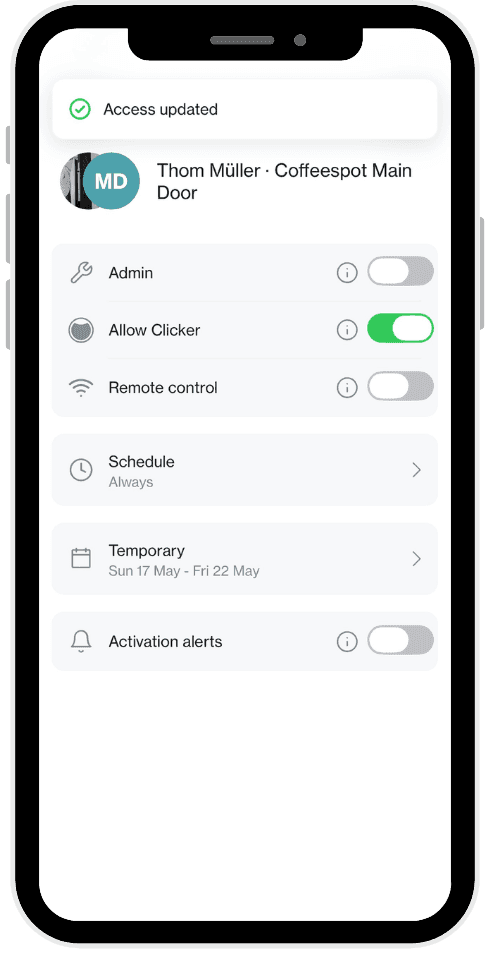
5. Choose Temporary
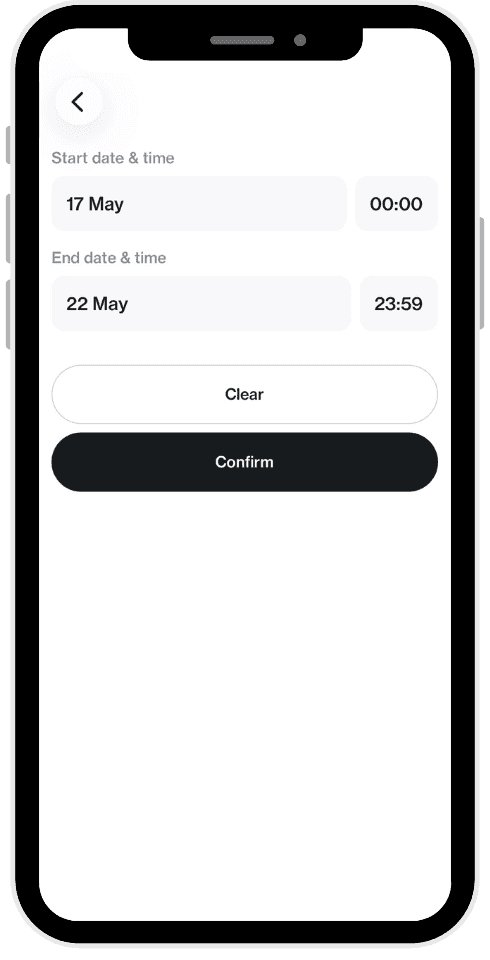
6. Set a start and end date
7. Save the access settings
Once configured, the user can unlock the door during the selected period only. After that, the digital key is no longer active, without requiring any additional action from your side.
That makes temporary access especially practical for vacation homes, rental properties, offices and shared spaces where access changes regularly.
Why temporary access is useful
Temporary access is designed for moments where flexibility matters just as much as security. Instead of sharing physical keys or remembering to revoke access later, you can create clear time-based access from the start.
People use temporary access when:
- Access is only needed once or for a short period
- They regularly host guests, tenants, or visitors
- They want to simplify access management for changing users
- They want more certainty around when access ends
- They prefer not to hand out physical keys
For example, you can give a holiday rental guest access from Friday afternoon until Monday morning, or allow a contractor to enter only during the renovation period.
The result is a smoother and more secure way to share access: flexible for the user, while keeping control fully in your hands.
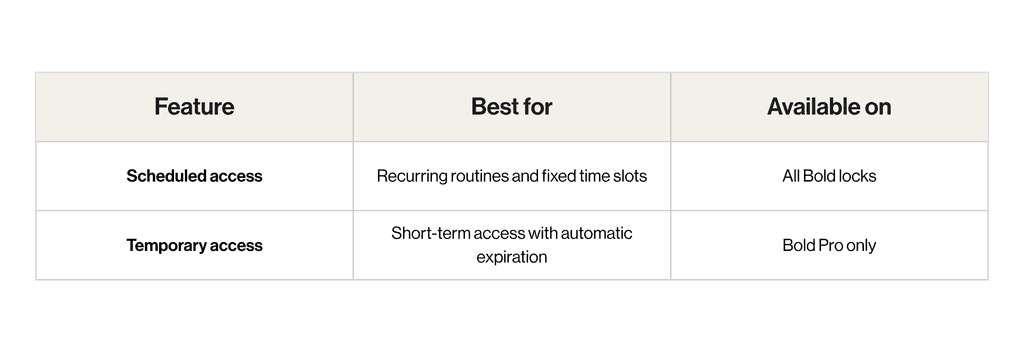
Which feature should you use?
Both features help you manage access smarter, but they serve different purposes.
Smarter access starts with Bold
Whether you want to automate recurring access or securely share your lock for a limited time, Bold gives you full control directly from your phone.
With scheduled and temporary access, your smart lock becomes even smarter adapting to your schedule, guests, and daily routines effortlessly.