Modern workplaces are moving away from traditional keys. Instead, companies are adopting smart access control systems that make entry easier, safer, and more flexible for employees and visitors.With a keyless entry system, businesses can manage access digitally and choose different ways to unlock their doors depending on the situation.
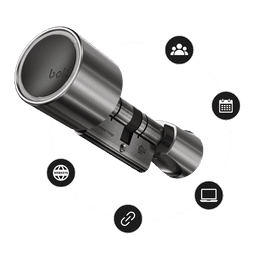
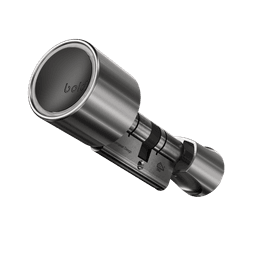
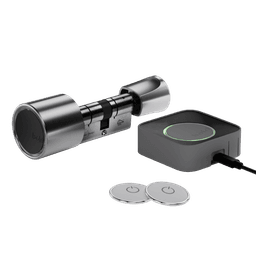
Bold Pro is designed for this flexibility. With the Bold ecosystem, employees and teams can access their workplace in multiple ways - whether using a smartphone, a remote device, or remote access from anywhere in the world.
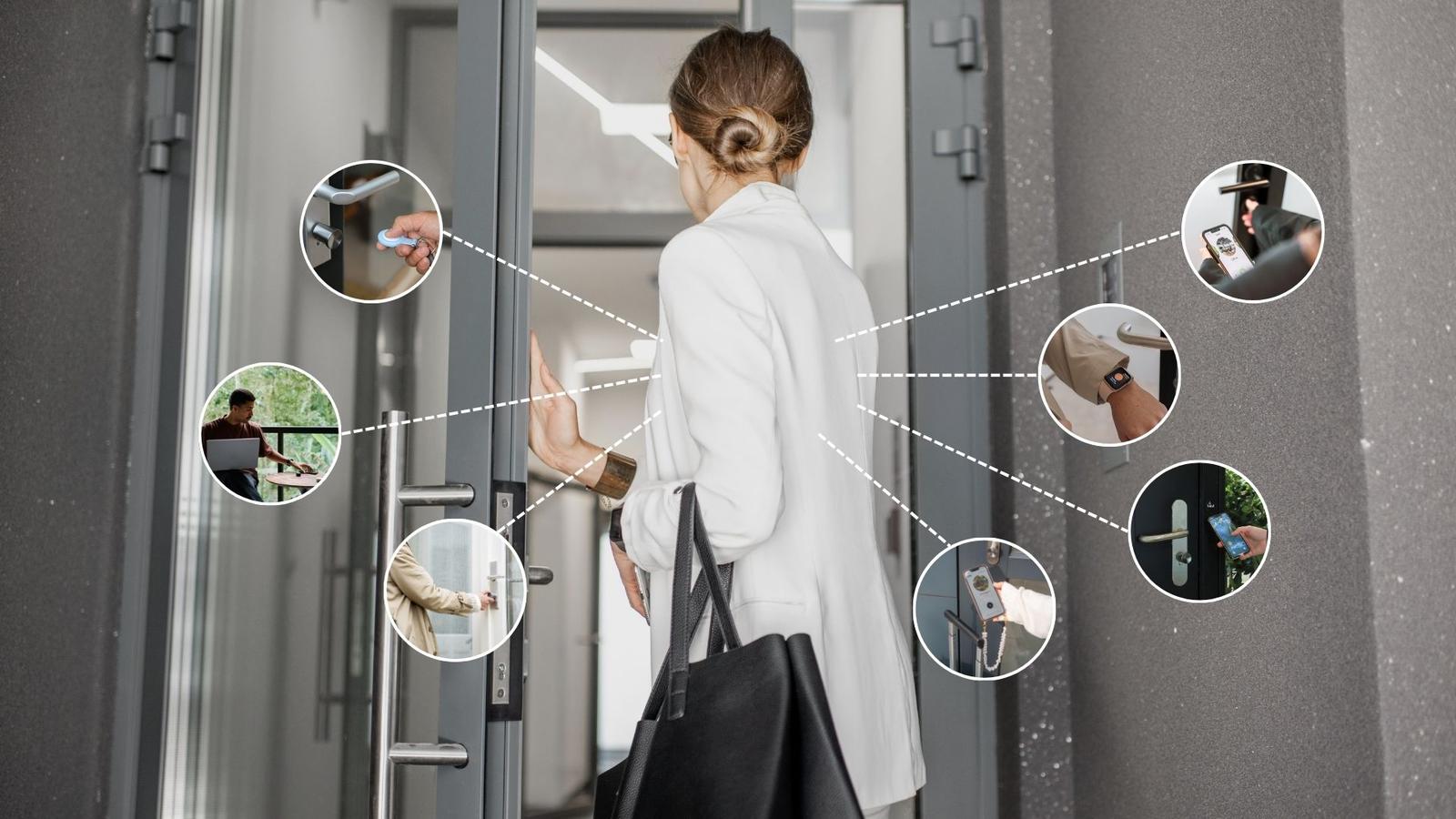
Here are seven smart ways to enter your workplace without keys.
1. Unlock your workplace with the Bold App (+ Auto Entry)
One of the easiest ways to unlock your workplace is with the Bold app.
As you approach the door, the lock connects to your phone via Bluetooth. With Auto Entry enabled, the Bold Pro lock automatically activates when you're nearby - so you don’t even have to take your phone out of your pocket.
Prefer more control? Simply open the app and unlock the door with a single tap.
This makes the Bold app an effortless keyless access solution for employees entering their workplace throughout the day, whether it’s an office, café, store, or warehouse.

2. Use the Bold Clicker
The Bold Clicker offers another quick and convenient way to unlock your door. This small remote control lets you open the door with the press of a button, making access simple and fast for employees, guests, or shared spaces.
The Bold Clicker is especially useful for:
- Employees who prefer a physical access device
- Workspaces where using a phone isn’t always convenient
- People who prefer a more familiar way to unlock the door
Even though the Clicker is a physical device, you still benefit from the smart control of the Bold system. You can decide which locks a user can activate and set access schedules, ensuring the right people have access at the right time.
The Clicker adds flexibility to your access control system, ensuring everyone can use the access method that works best for them.
3. Tap to enter with the Bold Entry Tag
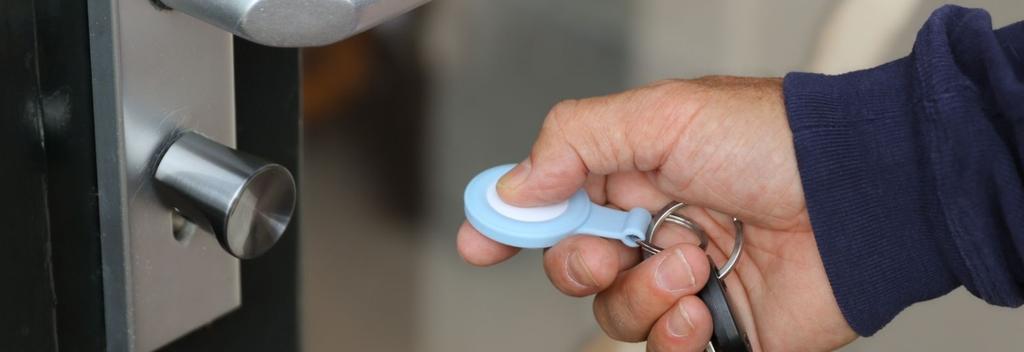
For buildings with multiple doors, the Bold Entry Tag provides a fast and intuitive way to access specific spaces.
Simply hold your phone near the tag and tap the notification that appears. Your phone will instantly activate the correct lock, allowing you to enter without searching for the right door in the app.
This makes moving through different areas of a workplace smoother and more efficient, especially in locations where multiple doors are close together.
The Entry Tag is particularly useful for spaces such as:
- Meeting rooms
- Office floors
- Storage areas or warehouses
- Shared facilities
By placing Entry Tags at key locations, employees can instantly access the right space without searching in the app, while still benefiting from the security and control of the Bold system.

4. Remotely unlock doors with the Bold Connect
Sometimes you're not physically at your workplace but still need to let someone in.
With the Bold Connect, you can activate your Bold Pro locks from anywhere in the world. Whether you're travelling, working remotely, or on a workation, you can easily grant access to employees, contractors, or service staff - without being there in person.
This gives you full control over your spaces, wherever you are.

5. Grant access with webkeys
Sometimes you want to give someone access without adding them permanently to your system. With Bold webkeys, you can easily share temporary digital access to a door.
Simply create a webkey and send it to someone via a link. They can use it to unlock the door during the time period you set - perfect for visitors, temporary staff, or service providers.
Webkeys make it easy to share secure access without physical keys, while still keeping full control over who can enter and when.

6. Smart access from your wrist
Another convenient way to access your Bold Pro smart lock is through your smartwatch.
Using the Bold app on your smartwatch, you can activate the lock directly from your wrist - without needing to take out your phone. This is especially useful when your hands are full or when you're quickly moving through your workplace.
A quick tap on your wrist is all it takes.

7. Unlock with a Backup PIN
Another way to access your door is by using a Backup PIN code.
By entering your personal PIN, you can unlock the door directly - no phone required. Similar to a traditional safe, the PIN is entered by turning the knob in a specific sequence. This makes it easy to access your space if your phone isn’t nearby or if the battery is empty.
The Backup PIN adds another convenient access option, ensuring there is always a way to enter your workplace when needed.

Why businesses are switching to keyless entry
Traditional keys are difficult to manage, easy to lose, and expensive to replace. Bold Pro solves these challenges by giving businesses full control over who can enter their spaces.
With a keyless access system, businesses can:
- Grant and revoke access instantly
- See who enters and when
- Manage multiple doors and locations
- Improve overall security across their workplace
Whether it’s an office, café, warehouse, retail store, or shared workspace, keyless access makes managing entry simpler and more flexible.
Bold Pro combines security, flexibility, and convenience in one smart access system.