
Onboarding hubStyle

Guide for employees
How to use Bold Pro.
Open and close your door with your smartphone. Four steps and you are in.
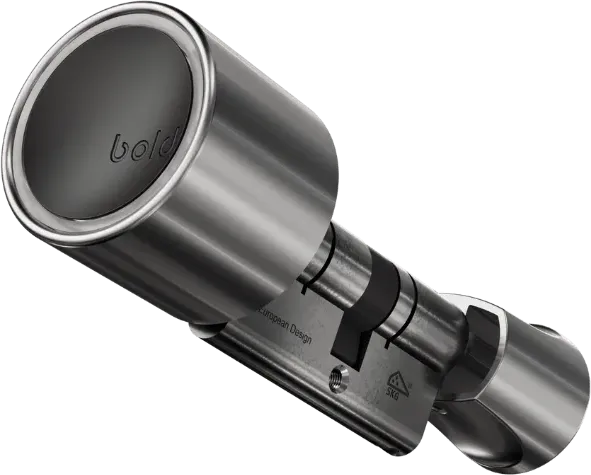
Create your account
Open the app and sign up with Apple, Google, Microsoft or your email address and password.
Accept your invitation
Open the invitation link on your phone. The lock then appears in the app.
Don’t see the lock? Fully close the app and restart it.
Use your Bold Pro
Unlock the door
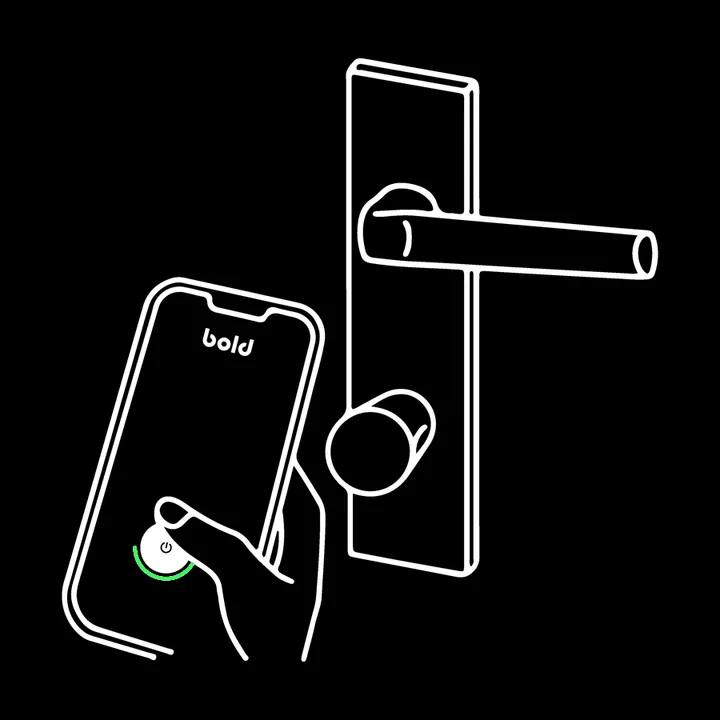 1
Activate the lock with the Bold app, a Clicker, a personal link or a backup PIN.  2
Turn the knob. 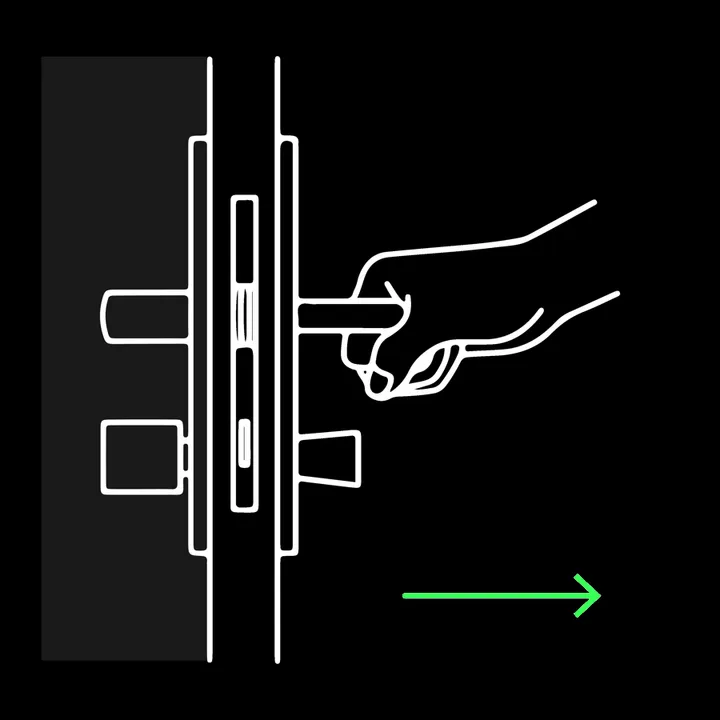 3
Open the door. Lock the door
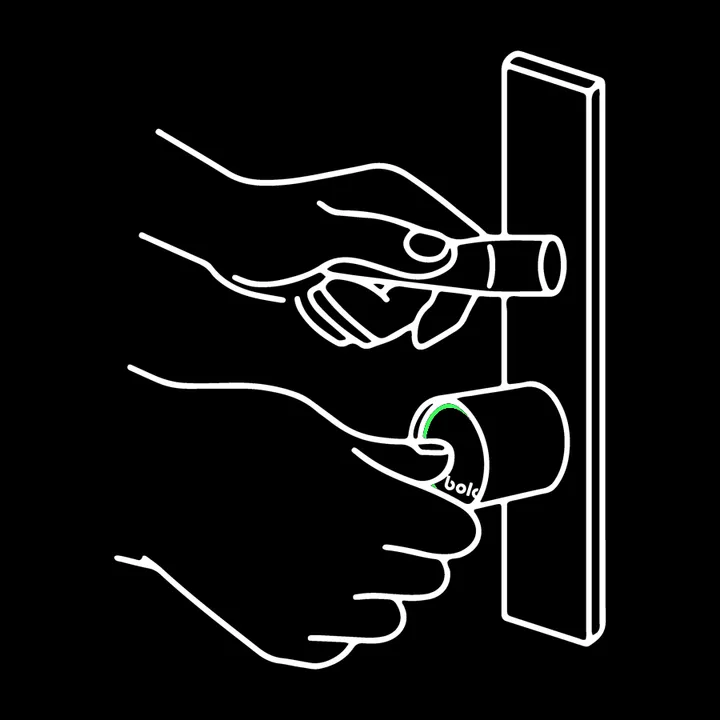 1
Press the inside knob to activate the lock. 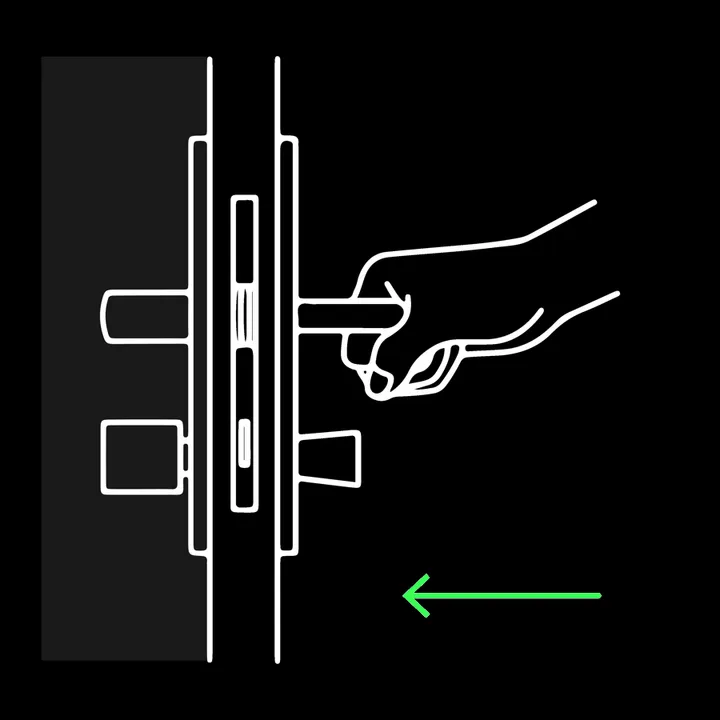 2
Step outside and close the door. 3Turn the outside knob to lock the door.
Questions? support@boldsmartlock.com · +31 85 060 7337