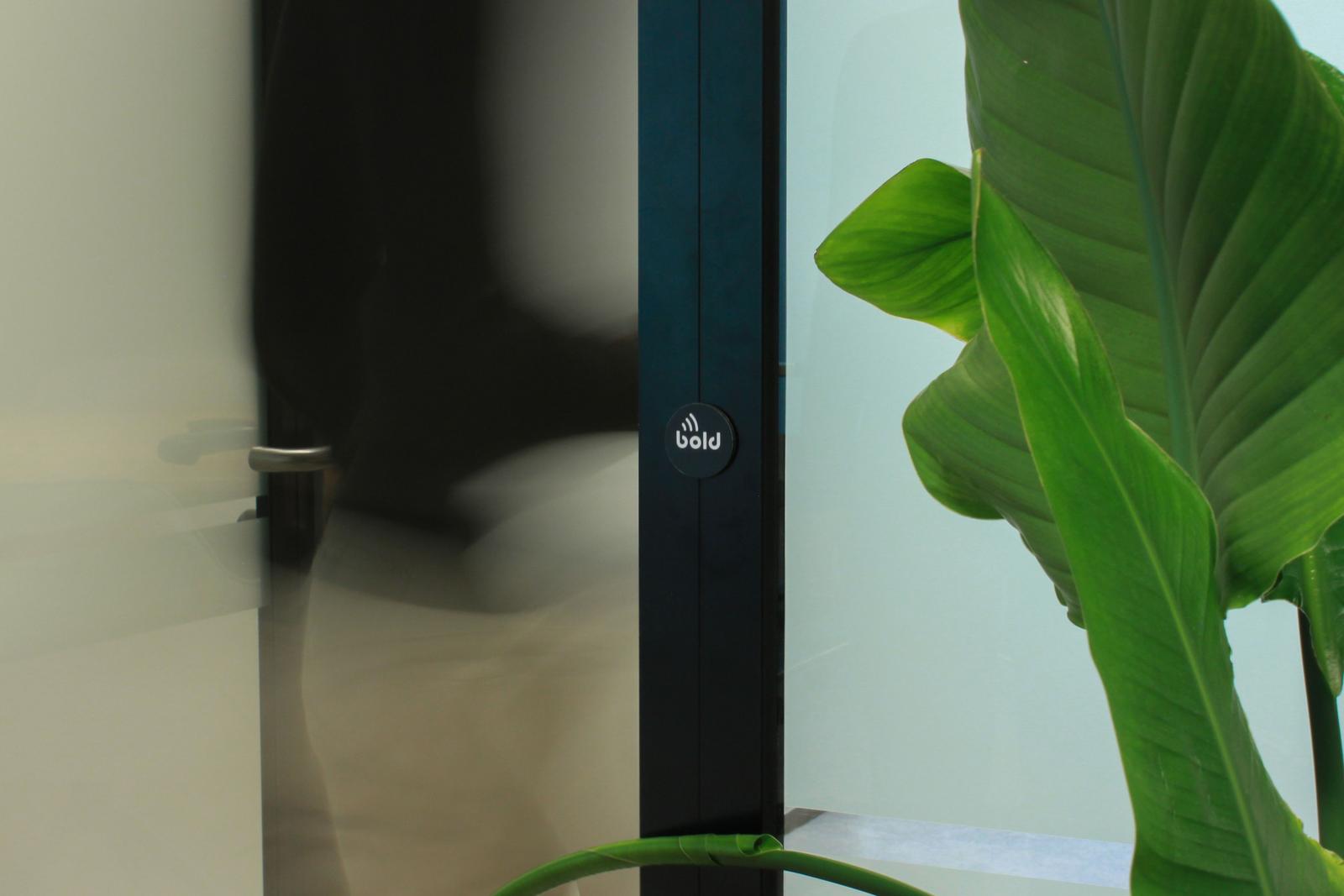
Arriving at work should feel smooth, not like another task on your list. With Bold Pro, unlocking is already simple: open the Bold app, select the right door, confirm, and step inside. The Bold Entry Tag makes this process even more effortless, especially in environments with multiple doors.
With the Bold Entry Tag, Bold introduces a faster and more direct way to unlock your Bold Pro locks. The physical interaction feels intuitive and streamlined. One tap at the door, and you’re inside. There’s no searching in the app, just instant access where you need it.
In this article, we’ll explain what the Bold Entry Tag is, how it works in daily use, and answer common questions about NFC security, reliability, and long-term use.
What is the Bold Entry Tag
The Bold Entry Tag is an NFC access tag designed specifically for Bold Pro smart locks, making keyless entry faster and more intuitive.
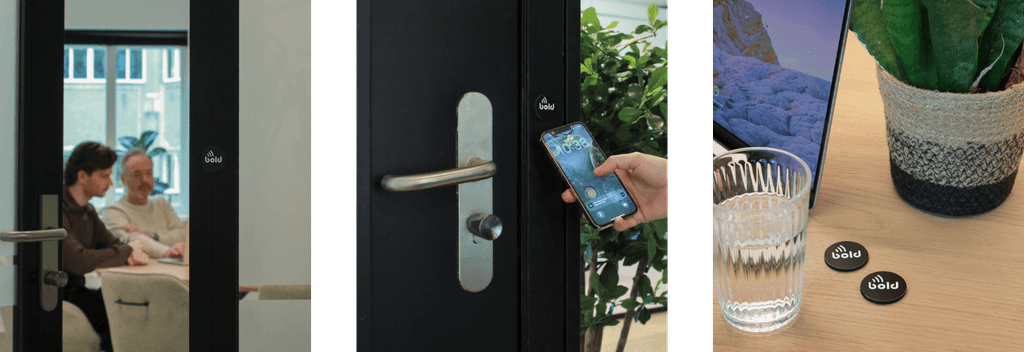
Using NFC (Near Field Communication), a secure wireless technology that works at close range, the tag enables your smartphone to communicate directly with the lock. Simply place the Entry Tag next to your door and link it to a Bold Pro lock. Once set up, unlocking is effortless. Just hold your phone near the tag, tap the notification, and the door activates instantly. There’s no need to search for the right lock in the app, making it a seamless solution for environments with multiple doors or users.
Whether you're managing access in an office, shared building, or workspace, the Bold Entry Tag adds speed and convenience to your smart access control system.
For businesses, it’s important to know that the Bold Entry Tag doesn’t replace the Bold app or your access management. It simply adds a faster way to unlock the door. All access rights, permissions, and control remain exactly the same. Entry just becomes more direct and intuitive.
One tap, always the right door
Each Bold Entry Tag is assigned to a single Bold Pro lock, ensuring the right door is always selected automatically. By placing the Entry Tag directly next to the door, unlocking becomes even quicker. Instead of navigating through a list of doors in the app, users simply tap the tag with their phone, creating an intuitive experience similar to contactless payments.
In practice, this removes unnecessary steps at the door. Access works reliably, regardless of how many doors there are or how busy the environment is. This gives businesses a predictable and scalable way to manage entry, without added complexity or the risk of unlocking the wrong door, such as opening the wrong office in a shared building.
How NFC access works securely
At first glance, the Bold Entry Tag feels simple, but there’s a lot happening in the background to keep access secure and reliable. It uses NFC (Near Field Communication), a widely adopted technology trusted for contactless payments, public transport, and digital identity systems.
NFC works at very short range, typically just a few centimetres. This means your phone has to be intentionally held close to the tag for anything to happen. Unlike technologies that broadcast over longer distances, this makes communication strictly local. As a result, interception is highly unlikely and access is only triggered right at the door.
The Bold Entry Tag itself does not grant access or store permissions or user data. It simply identifies which door you’re standing in front of. When you tap, your phone securely checks your access rights via the Bold app, which connects to Bold’s cloud platform to verify permissions before the lock opens. If a tag is lost, damaged, or no longer needed, it can be easily deactivated or replaced without affecting the lock or the wider access setup.
This approach also keeps the system future-proof. The Bold Entry Tag doesn’t need to be replaced as Bold Pro evolves, since permissions and functionality are managed in software, allowing updates and improvements over time.
Who the Bold Entry Tag is for
The Bold Entry Tag is designed for professional environments where access needs to stay simple and predictable throughout the day. It fits naturally in places where people move in and out frequently, and where selecting the right door in the Bold app can slow things down.
In office buildings with multiple rooms or floors, Entry Tags make access more intuitive. Meeting rooms, shared offices, storage areas, and side entrances can each have their own tag, allowing users to simply tap at the door they want to enter. This helps movement through the building stay smooth, even during busy moments. Because access is clear at the door itself, new team members can get started quickly with little to no learning curve.
In environments where doors are used repeatedly throughout the day, the Entry Tag keeps things moving efficiently. In clinics, staff move constantly between examination and supply rooms, where fast and reliable access is essential for patient care. In restaurants, teams regularly enter kitchens, storage areas, and back-of-house spaces during service. In these settings, small time savings at each door quickly add up, making daily routines smoother without changing how access is managed.
A small change that makes every entry smoother
The Bold Entry Tag works exclusively with Bold Pro. When purchasing Bold Pro, you can easily add Entry Tags during checkout to create a seamless entry experience from day one. If you already use Bold Pro, the Entry Tag is a straightforward upgrade that makes unlocking even faster, building on your existing setup without adding complexity.
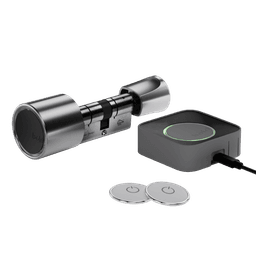
Each package includes two Bold Entry Tag stickers that can be applied next to your door. Fully integrated with Bold Pro, access remains secure and under control, while daily routines at the door become faster and more efficient.
-1769688019051.png&w=640&q=75)
Bold Entry Tag
Ex. VAT
Bold Entry Tag, available in a pack of two, is an NFC access tag for Bold Pro locks, ideal for offices, shared spaces and business environments. Tap to enter without searching for the right door in the Bold app - a faster, simpler way to unlock across one or multiple doors. Exclusively for Bold Pro.