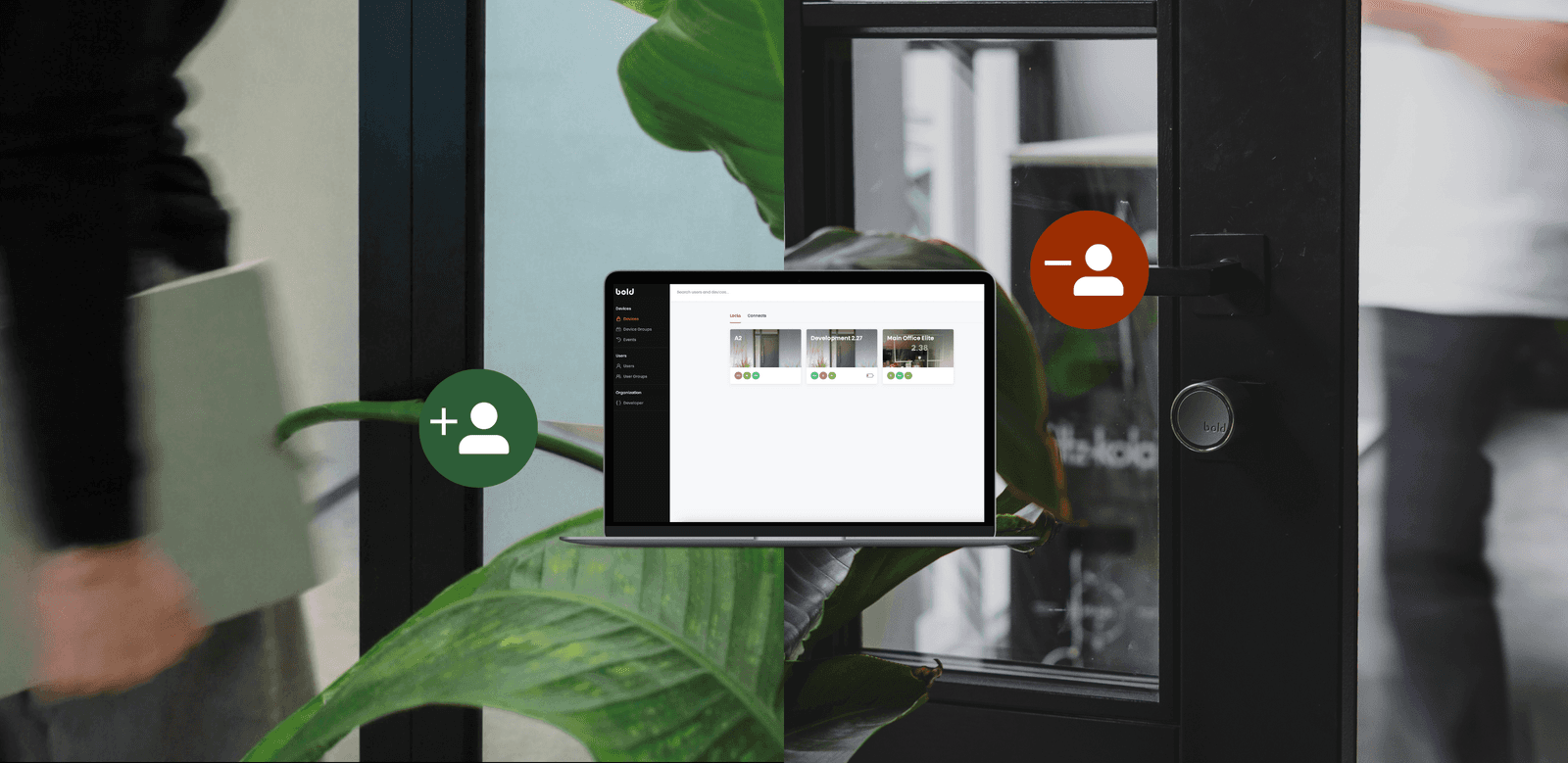
Managing access shouldn’t slow your business down. Yet in many organisations, it still does. Whether you're onboarding a new employee or granting temporary access to a guest, the process can quickly become time-consuming and unclear.
With Bold Pro, onboarding and offboarding are designed to be smooth - so you stay in control without adding complexity.
Why onboarding and offboarding matter?
Access management comes down to two key moments: when someone gets access and when it’s taken away. If onboarding isn’t clear, people get stuck or need help. But if offboarding isn’t handled properly, it becomes a security risk - people may still have access to doors they shouldn’t.
With Bold Pro, both moments are simple, controlled, and reliable. New users can get started in minutes and understand how the lock works right away. At the same time, access can be removed instantly - so you always know exactly who can enter, and who can’t.
Let’s take a look at the two most common scenarios: long-term users like employees and short-term users such as guests or tenants, and how onboarding and offboarding works in each case.
Onboarding long-term users: employees and teams
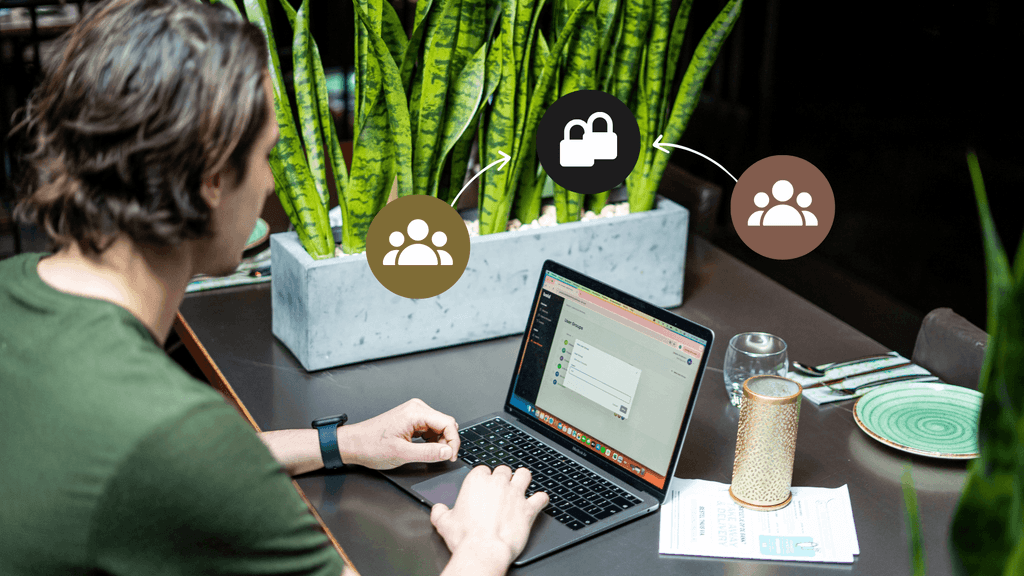
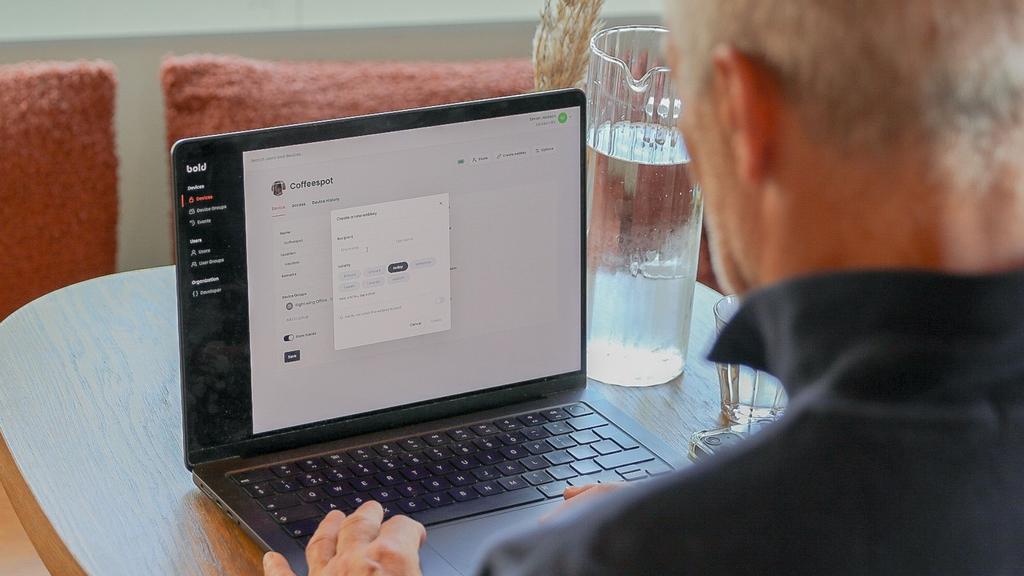
For employees and other long-term users, onboarding usually starts in the web portal, where you manage access and assign users to the right locks from the start.
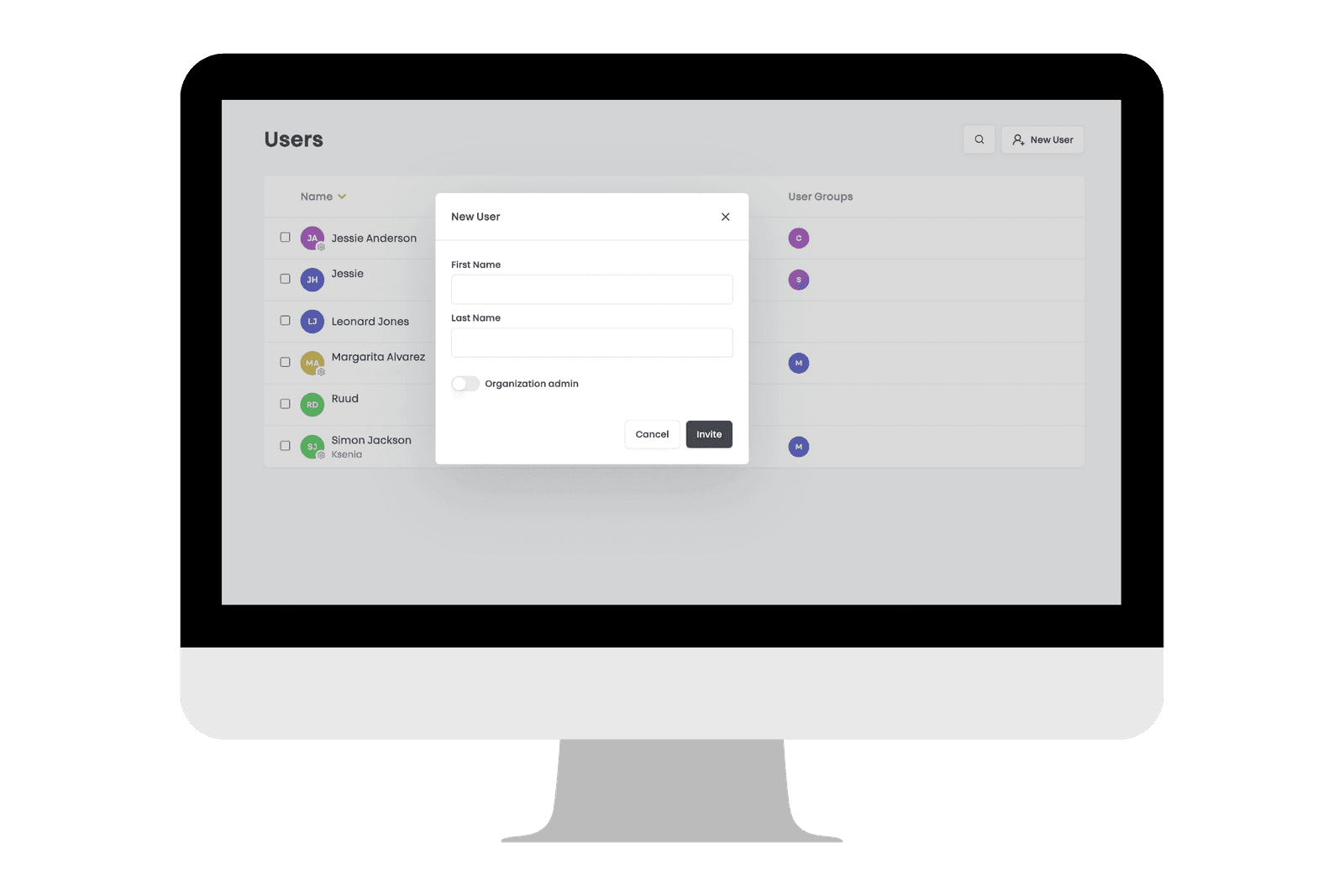
First, you add a new user in the portal and assign the correct access rights. Depending on their role, this can mean access to one specific door or to multiple locations. This step makes sure each person only gets access to the spaces they actually need.
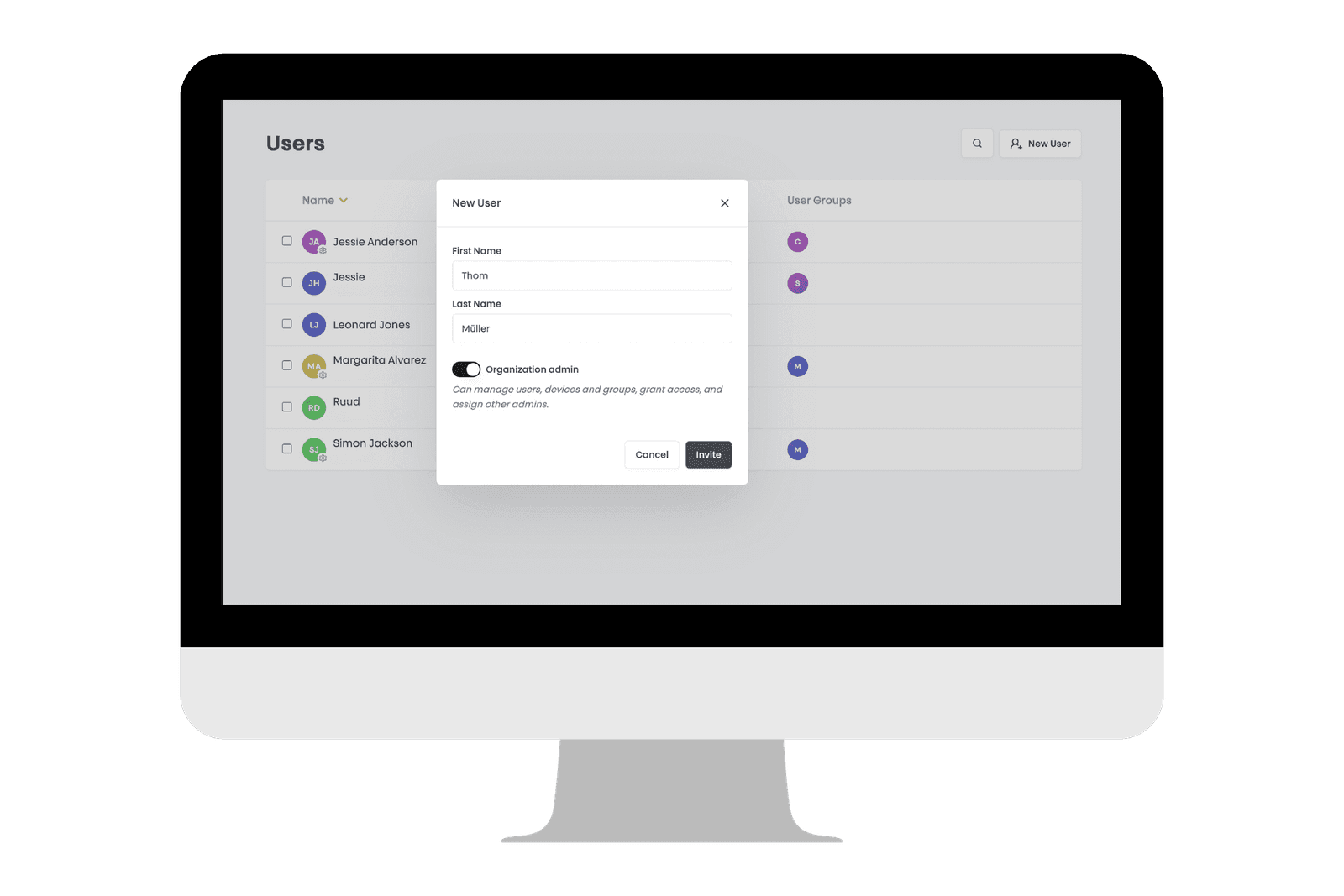
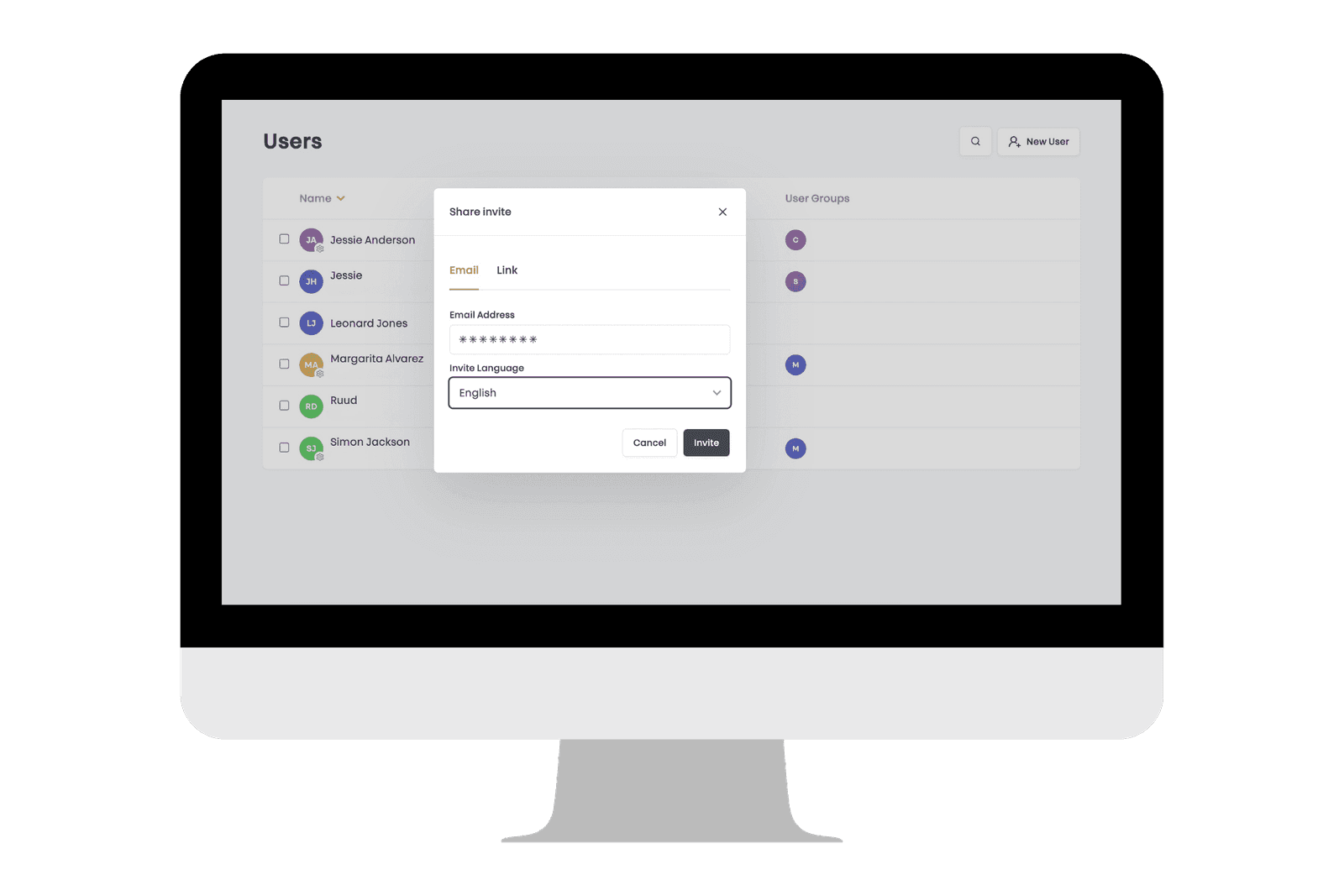
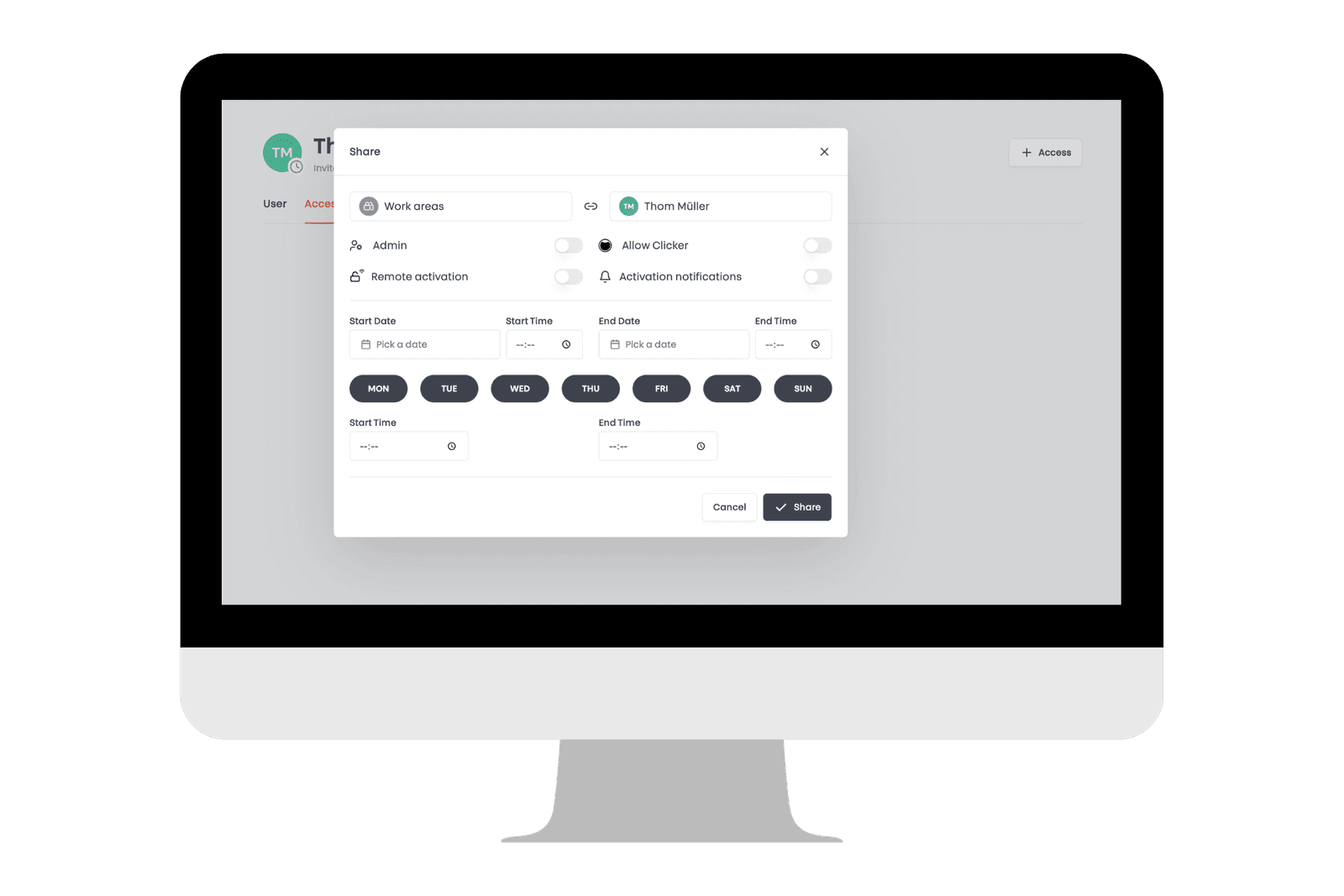
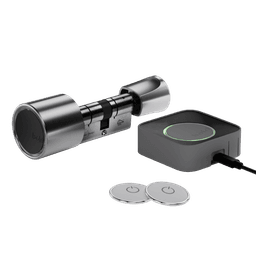
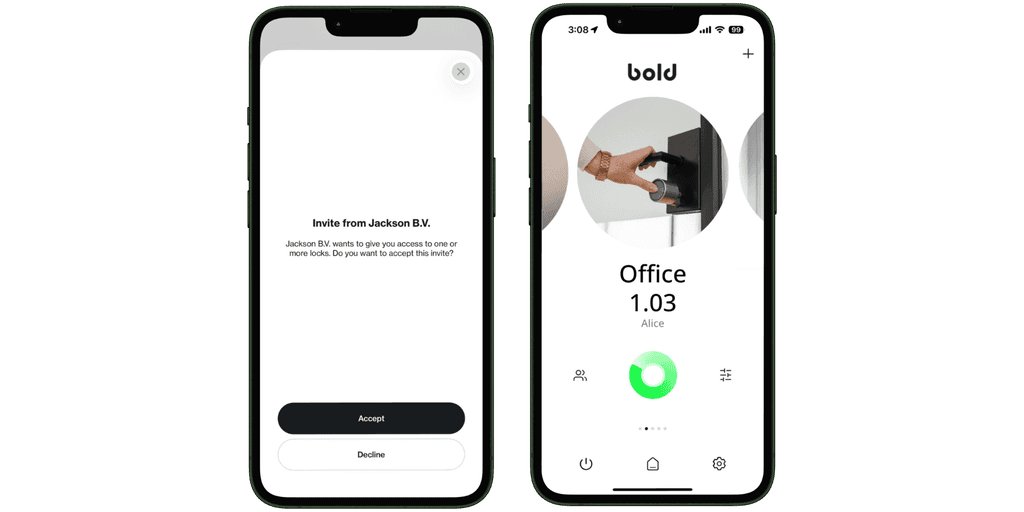
Next, the user receives an invitation to join. They download the Bold app and accept the invite. Once that’s done, their access becomes active and they are ready to use the lock immediately. For users who prefer not to use their phone, you can also assign a Bold Clicker. This provides a physical way to operate the lock, while you still manage access through the same system.
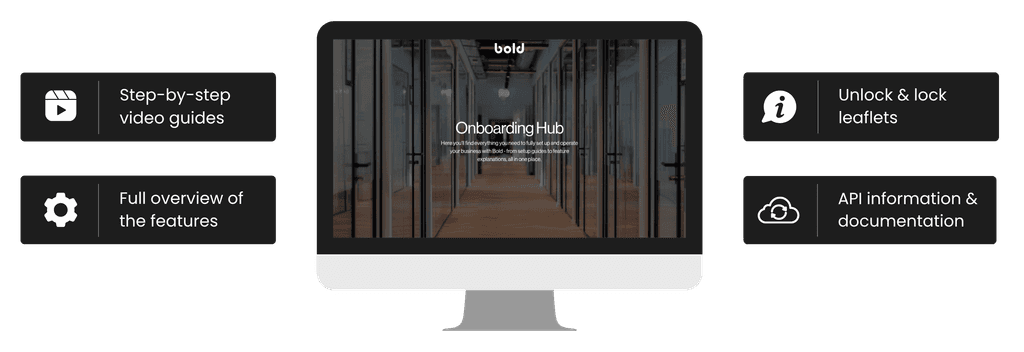
The final step is making sure users know how the lock works in practice. This is where the Bold Pro Onboarding Hub comes in. You can guide new users with a short video, share a printable PDF with clear step-by-step instructions, or place explanation stickers near the door. Each Bold Pro comes with two stickers, one for unlocking and one for locking, so users can quickly understand what to do without needing extra explanation.
Onboarding for high-turnover spaces
In environments where users change frequently like vacation rentals, shared spaces, or managed properties, onboarding needs to be fast and effortless. With Bold Pro, access can be shared in a way that requires almost no setup from the user.
For short-term access, webkeys offer the simplest solution. You create a webkey in the web portal and select exactly how long it should be valid. Then you share it as a secure link, allowing the user to use the lock without downloading the Bold app. Access is time-based and can be scheduled in advance, down to the exact minute. Once the set time expires, access is automatically revoked.
To make the experience even clearer at the door, you can place the Bold stickers mentioned earlier next to the lock.

Together, this creates an onboarding experience that’s almost invisible: access is easy to share, simple to use, and requires little to no explanation.
Everything your users need, in one place
Bold Pro Onboarding Hub is a central place where you can find and share everything needed to guide users. It’s designed to make onboarding consistent, whether you’re managing a team, a building, or multiple locations.
It includes:
- Step-by-step video instructions (EN, NL, DE)
Short videos available in English, Dutch, and German. They cover not only how to lock and unlock, but also how to set up the lock - such as adding a Bold Pro to your account. Ideal for both end users and lock admins. - Printable materials (EN, NL, DE)
Ready-to-use PDFs available in multiple languages, with clear, structured guidance. This includes instructions for locking and unlocking, as well as a Bold Pro features overview - useful for internal onboarding, handovers, or welcome folders. - API documentation
Documentation to support custom integrations with the Bold API. This makes it easy to connect Bold Pro to your own systems and workflows.
By combining clear instructions with flexible formats, the Onboarding Hub helps reduce support questions and ensures users can get started without minimal effort.
Offboarding without the follow-up
Offboarding should be just as simple as onboarding - and with Bold Pro, it is. When someone no longer needs access, you go to the web portal and adjust their permissions. The change takes effect immediately, meaning the user can no longer operate the lock from that moment on. There’s no need to collect keys or wait for access to expire. You stay fully in control at all times.
If the user was using a Bold Clicker, it can be taken back and reassigned to someone else. In cases where a Clicker isn’t returned, you can disable it in the portal, ensuring it no longer works.
For temporary users, offboarding is handled automatically. Access given through webkeys or scheduled permissions expires exactly when you set it - so there’s nothing to manage manually. This way, access is not only easy to give, but just as easy to revoke - without risk or extra effort.
At the end of the day, managing access is part of your daily operations - it shouldn’t slow you down or require extra follow-up. With Bold Pro, you don’t have to double-check who still has access, explain the same steps over and over or worry about things being missed. It simply fits into the way you already work, so access is handled in the background while you focus on running your business.