
Welcome! This door is powered by Bold.
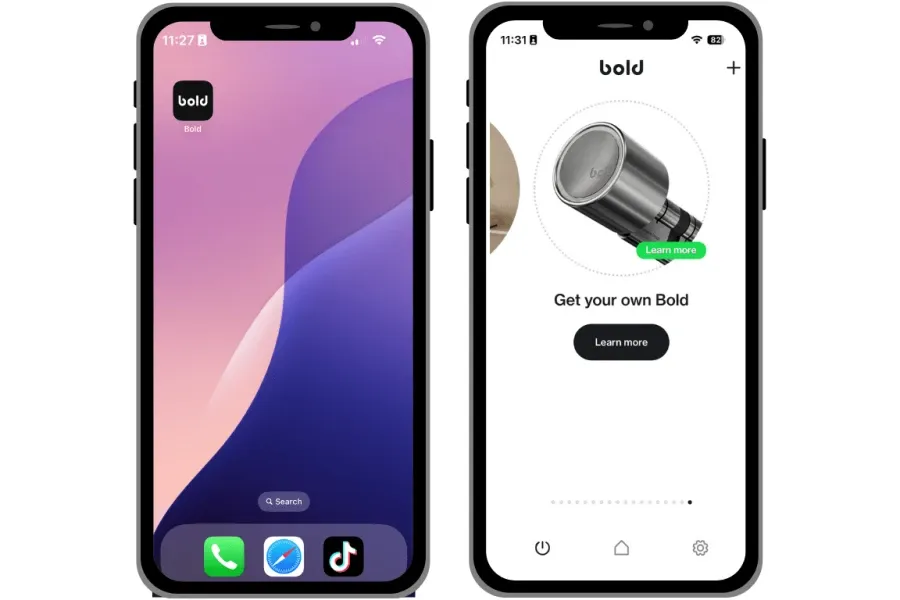
Learn moreControl access with your phone. Install the Bold app
Download the Bold app to unlock the doors you’ve been invited to. Inside the app, you’ll also find personalised offers - including €40 off your first lock, available for the next 3 months.
Using a Bold smart lock: quick guide
How to unlock the door?
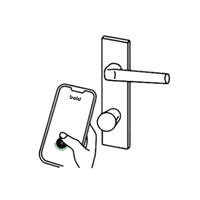
Activate the lock via the Bold app, Clicker, personal link, or backup PIN.
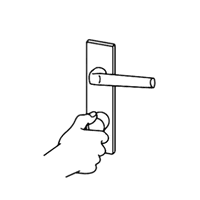
When activated, turn the knob.
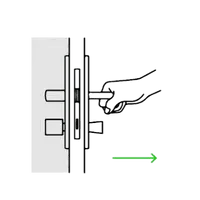
Open the door
How to lock the door behind you?
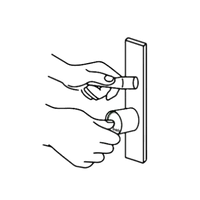
Press the inside knob to activate the lock.
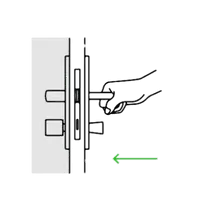
Step outside and close the door.
Turn the outside knob to lock the door.
Enjoyed using Bold? Get to know our products
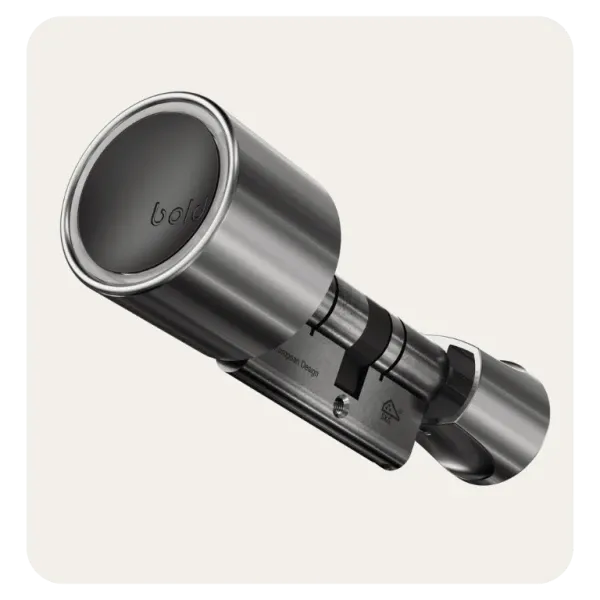
Bold Elite
The most advanced smart lock with auto-entry, remote access, follow-in protection, and smart notifications
Learn more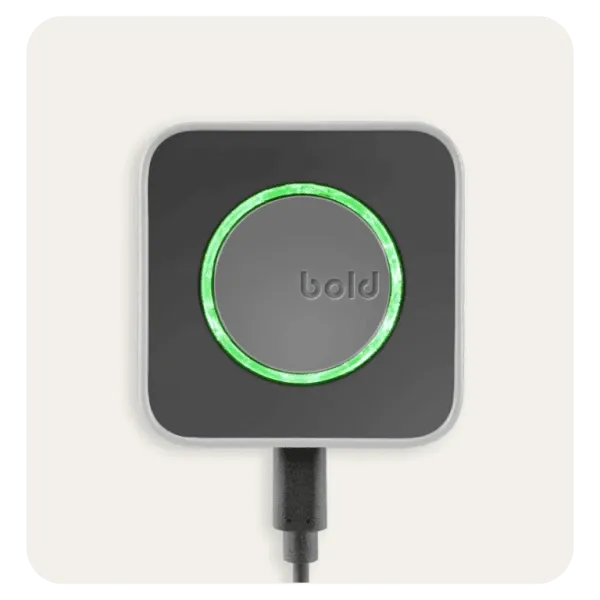
Bold Connect
A Wi-Fi bridge that gives you remote access, smart notifications, and full control over every Bold Smart Lock
Learn more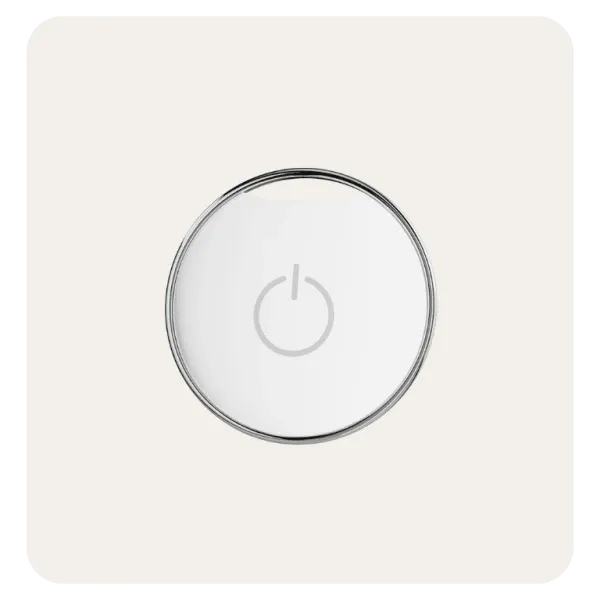
Bold Clicker
A compact Bluetooth device that lets employees or guests unlock doors with a simple press - no app needed
Learn more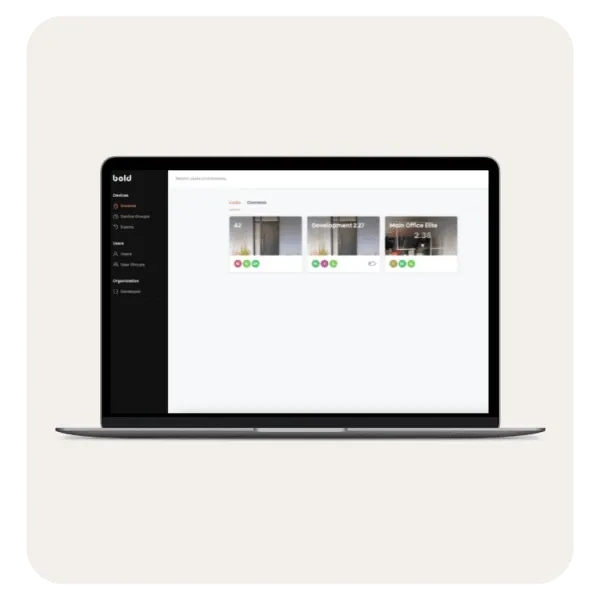
Business Account
A central platform to manage users, permissions, scheduled access, and activity history across all locations.
Learn more