

Bold for Business
Welcome! Here is Bold’s latest on access management for your business: new features, customer stories and practical guides.
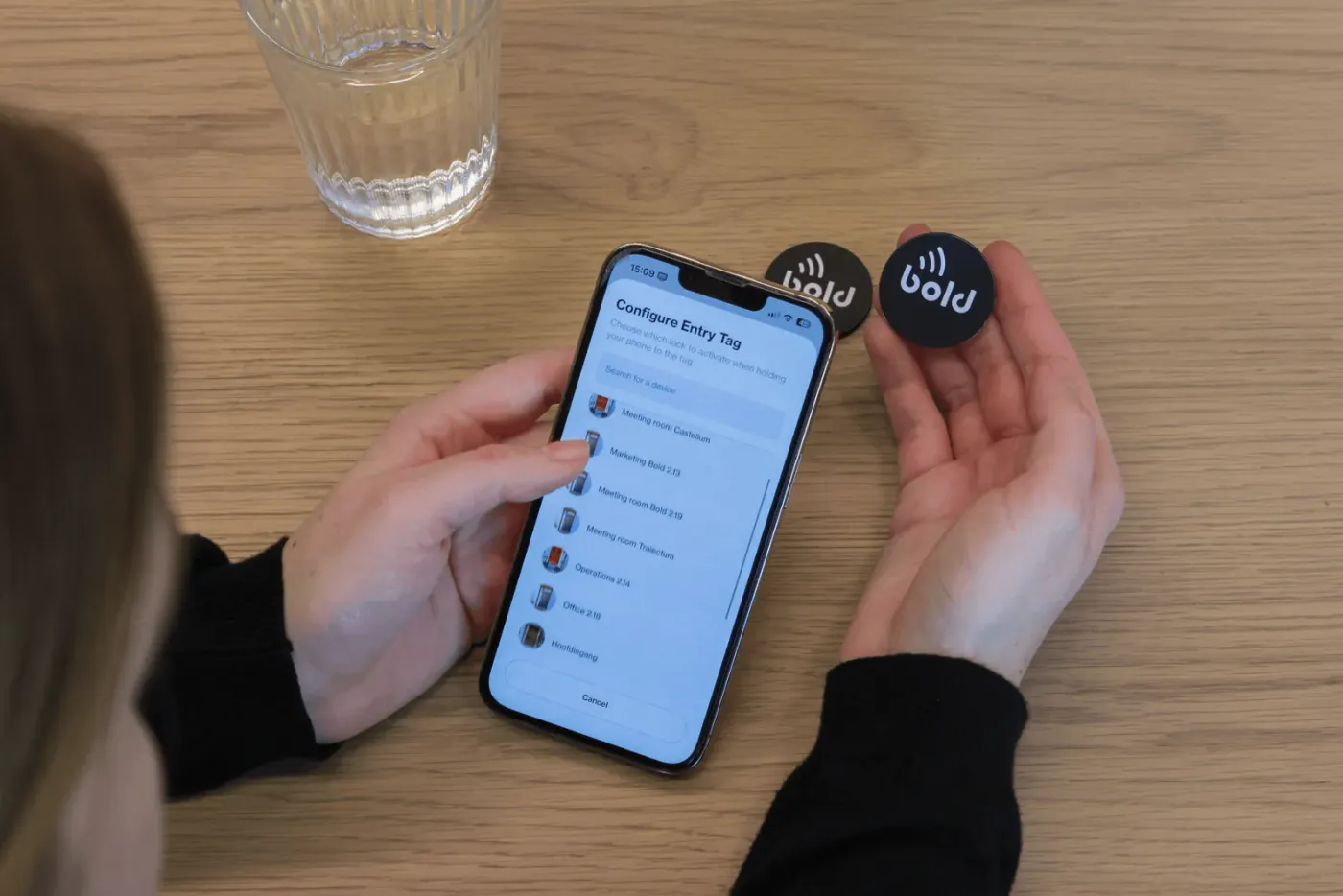 How to: Install the Bold Entry TagThis guide shows you how to install and assign the Bold Entry Tag in just a few minutes. The Bold Entry Tag adds a faster, more direct way to unlock your Bold Pro doors.How To
 How to: Improve the cybersecurity of your home or business with BoldBold already gives you a strong foundation for digital security, but there’s more you can do to protect your home or business. A few simple habits on your phone and in the Bold app can make your security setup even stronger.How To
 How to: Inviting business users within the Bold AppIn this blog, we’ll cover a streamlined way to invite users via email, now simpler than ever! This feature is exclusive to Bold Business Account holders, who also enjoy access to the Web Portal.How To
 How to: Install your Bold ClickerEasily control your Bold with the Bold Clicker, no smartphone needed. Pair it in the Bold app, assign it to one or more locks, and activate with a single press.How To
 How to: Install your Bold ConnectSet up your Bold Connect in minutes and enable remote access to your Bold smart locks. Follow the steps to connect to Wi-Fi, complete setup in the Bold app and fix common connection issues.How To
 How to: Install your BoldInstalling your Bold is simple and quick. Follow our step-by-step guide and enjoy secure, keyless access right away.How To