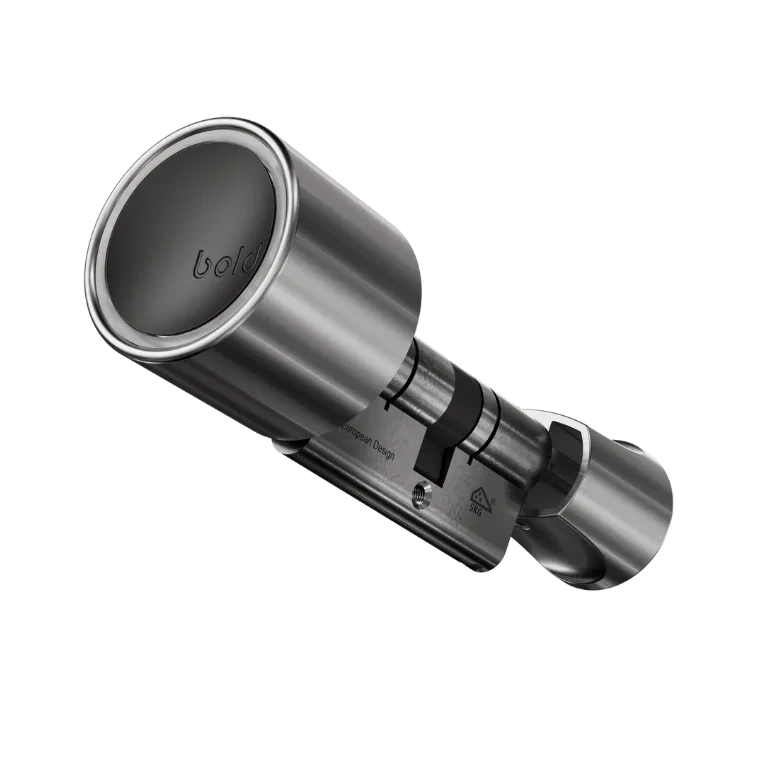
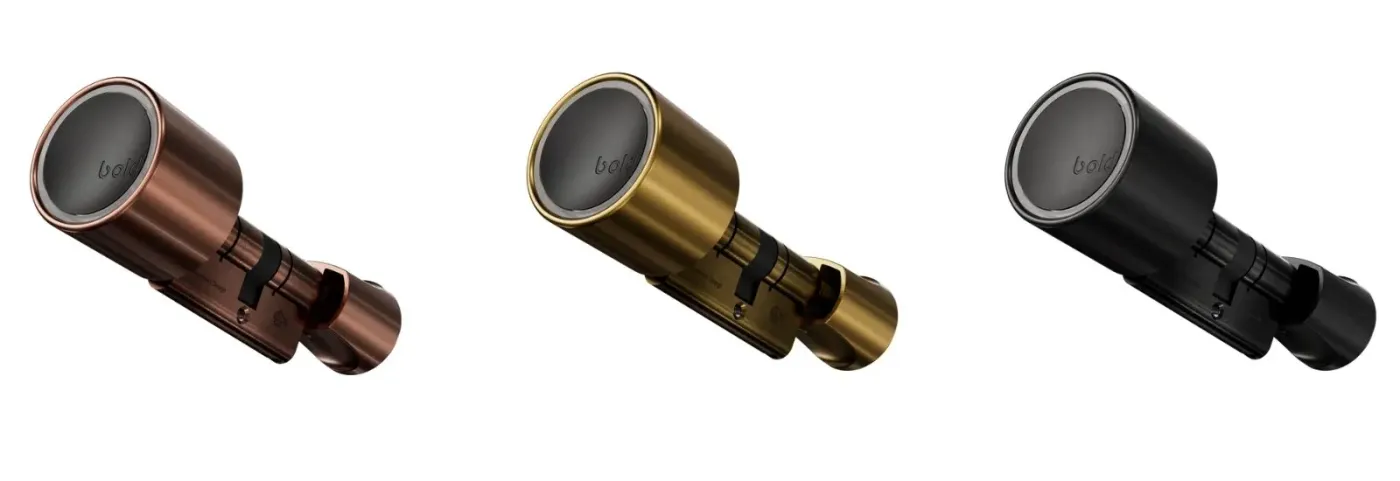
Upgrade the look of your Bold with a stylish new Bold Outside Knob. Choose from black, brass, or copper finishes and easily install it with our simple guide.
How to: Install your Bold Outside Knob
October 13, 2022
As a proud Bold owner, you have the option to customise your lock with a new look. Whether you choose a sleek black, elegant brass, or warm copper finish, the Bold Outside Knob will add a stylish touch to your door.
Before you begin
Check if your current outside knob has small indents. No indents? Then you’re using a first-generation lock that’s not compatible with these knobs. In that case, reach out to our support team to arrange an upgrade: support@boldsmartlock.com. If your knob does have indents, you’re good to go. Just follow the steps below!
Step-by-step installation
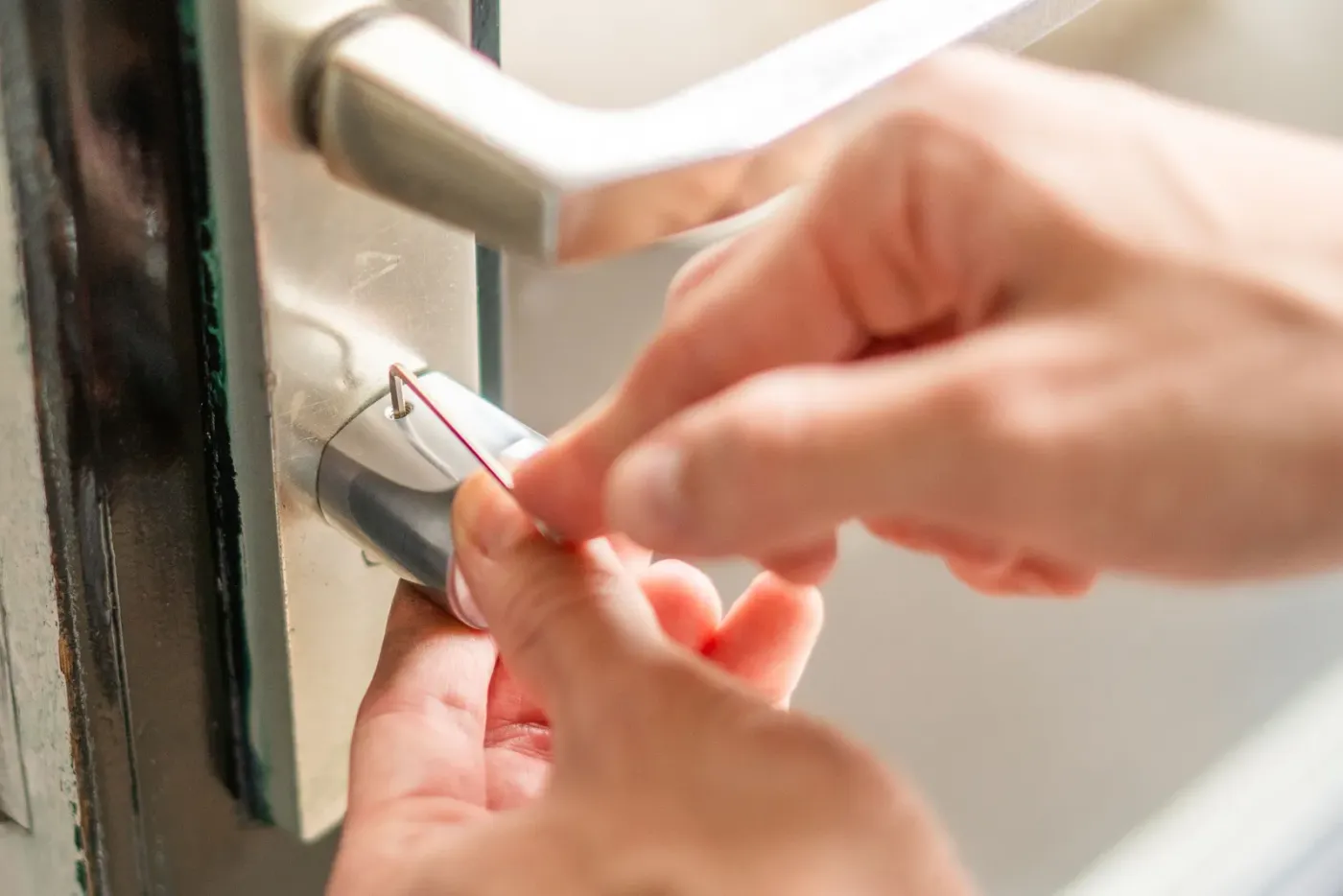
1. Grab the Allen Key Take the thin silver Allen Key out of the packaging. 2. Remove the old knob Insert the short end of the Allen Key into the screw hole on the knob. Turn it anticlockwise to loosen and remove the current Outside Knob. 3. Unpack the new knob Carefully take your new coloured Outside Knob out of the box. Locate the screw hole, it should match the one you just removed.
4. Position the new knob Place the new knob where the old one was. Make sure the screw holes line up correctly. 5. Tighten it up Use the Allen Key again, this time turning clockwise, to firmly secure the new knob in place. 6. Done! That’s it, your Bold now looks even bolder. Enjoy the upgrade!
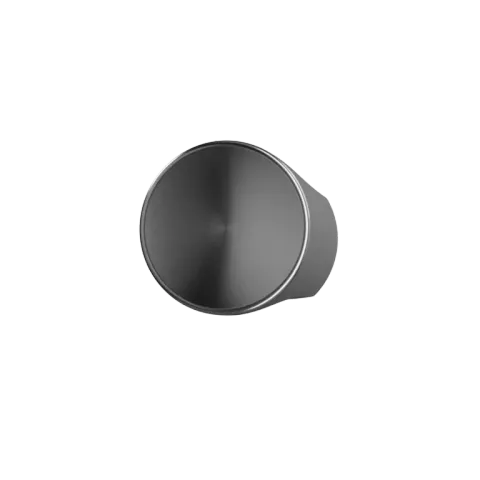
Bold Outside Knob
Incl. VAT