

Bold for Business
Welcome! Here is Bold’s latest on access management for your business: new features, customer stories and practical guides.
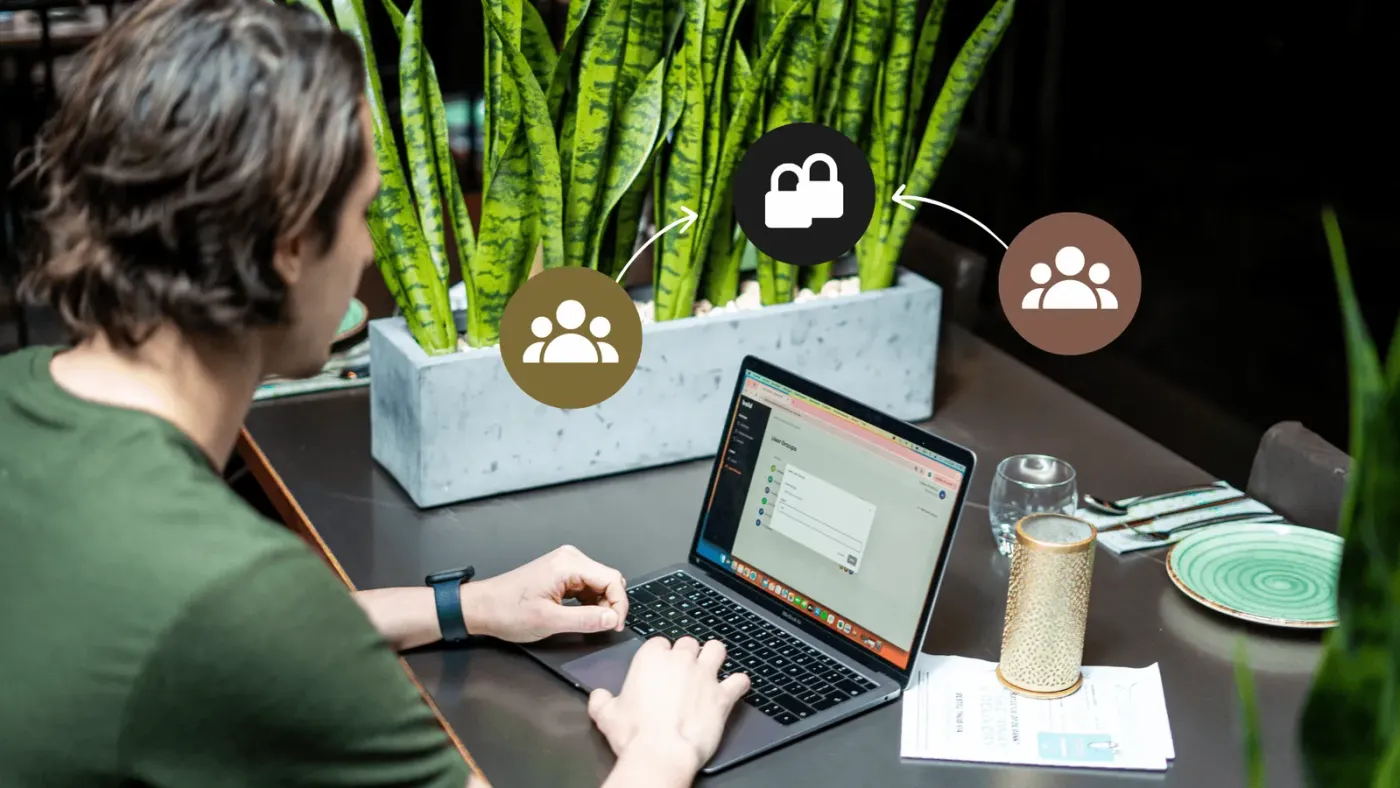 Features unlocked: Bold Pro & smart grouping in the web portalIn this article, we explain how grouping works and show how it brings clarity and control to daily operations.Features Unlocked
 What's new: Bold Pro, one smart solution for professional access managementAccess management should be simple, yet many businesses lose control as teams grow and locations multiply. This article shows how Bold Pro brings everything together in one secure solution designed for professional use.What's New
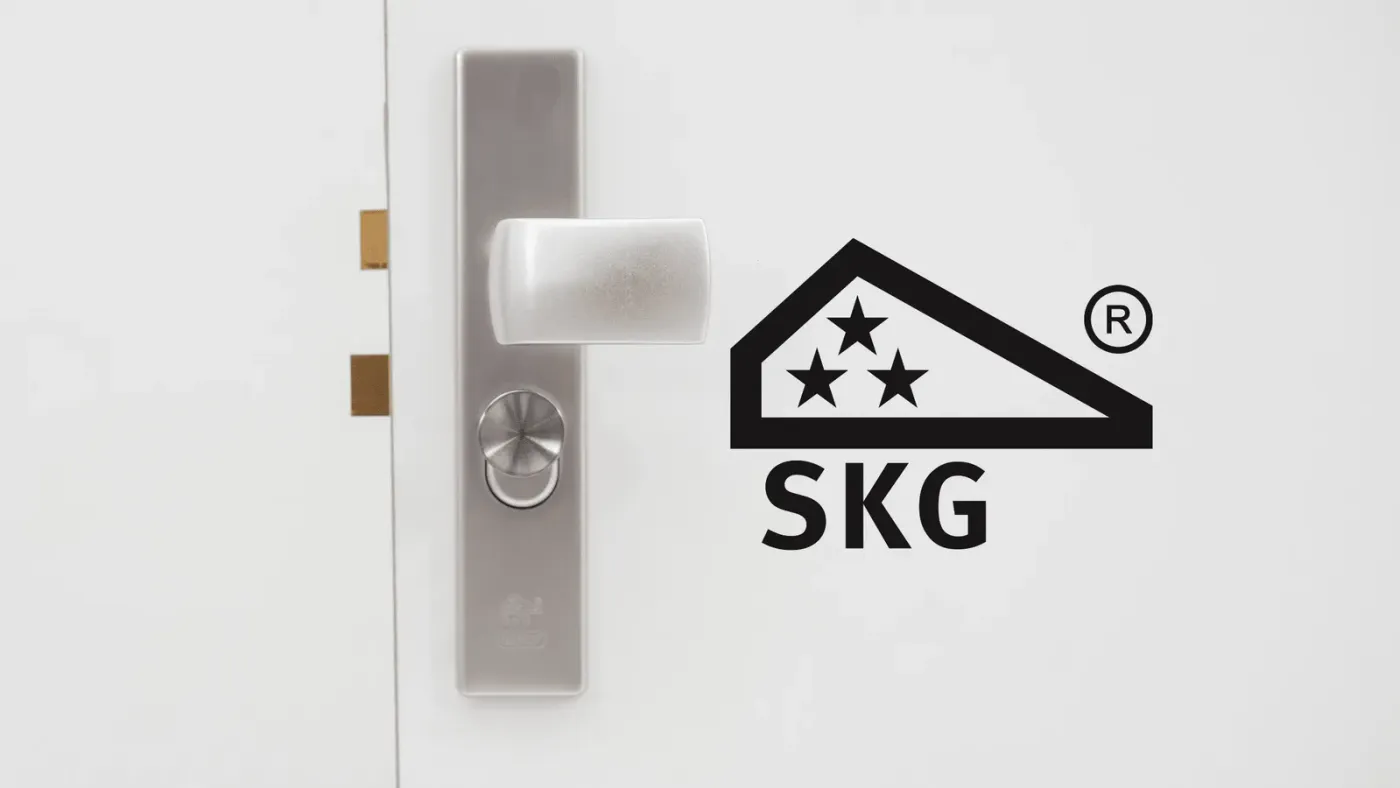 What are SKG certified locks and how do they protect your home or business?Discover what SKG certification really means for the security of your home or business. We explain how the star ratings work and why those minutes of burglary resistance matter. You also learn how Bold builds on the SKG*** standard by removing the external keyhole entirely.New To Bold
 How to: Improve the cybersecurity of your home or business with BoldBold already gives you a strong foundation for digital security, but there’s more you can do to protect your home or business. A few simple habits on your phone and in the Bold app can make your security setup even stronger.How To
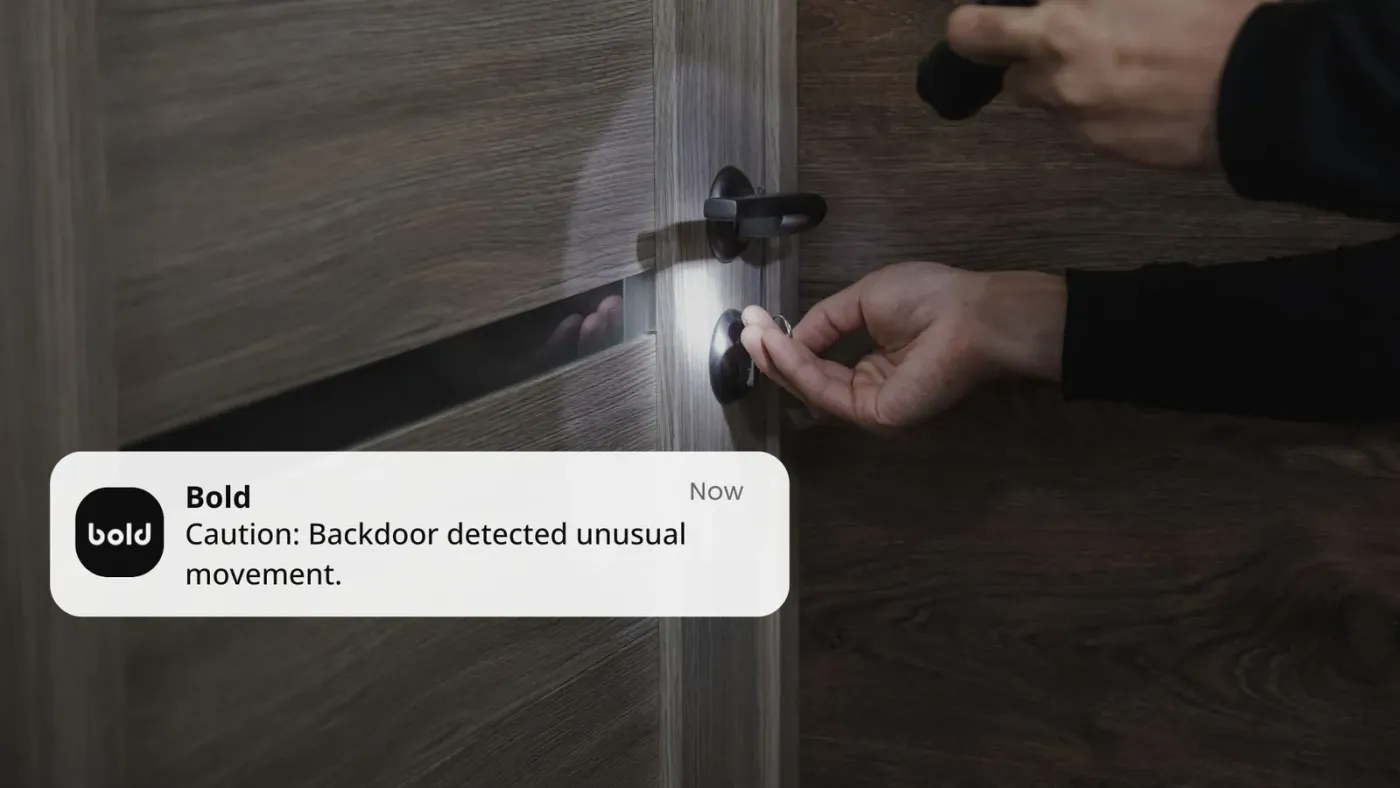 Smart doesn’t mean hackable: Debunking myths about smart lock securityWhen people hear the word “smart” in combination with technology, the first thought is often about convenience. But it is also followed by a fair question: “Is it safe?”What's New
 How Bold prioritises your cybersecurity: The story behind our smart locksOctober is Cybersecurity Awareness Month, the perfect time to reflect on how digital security goes beyond just laptops and servers. In this article, we explain how Bold smart locks protect your access with strong encryption and a secure hybrid setup.What's New
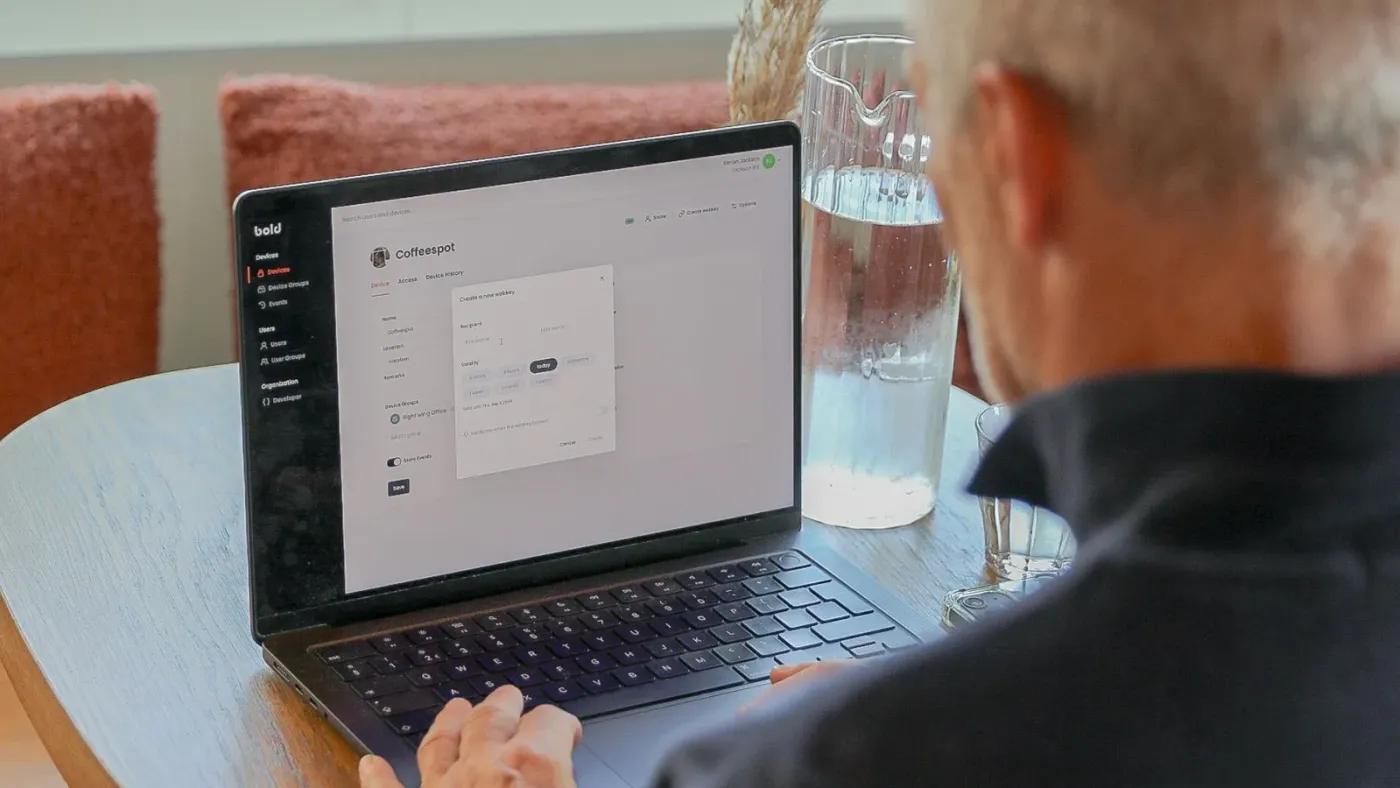 Features unlocked: WebkeysWebkeys are secure, browser-based digital keys that let you grant temporary access easily and without an app. Exclusive to Bold Pro users, they’re ideal for guests, visitors, or service providers. In this blog, you’ll learn how they work and how to create one in just a few clicks, all while keeping full control in your hands.Features Unlocked
 Features unlocked: Bold widget + Turned LockIn this guide, you’ll discover what the Bold widget is, how it works together with the Turned Lock option, and why it’s a must-have for both personal and business use.Features Unlocked
 Features unlocked: Keep Active ModeWith Bold’s Keep Active mode, your smart lock stays unlocked for up to 24 hours - perfect for shops, offices, and busy workdays. Read all about it in this blog.Features Unlocked
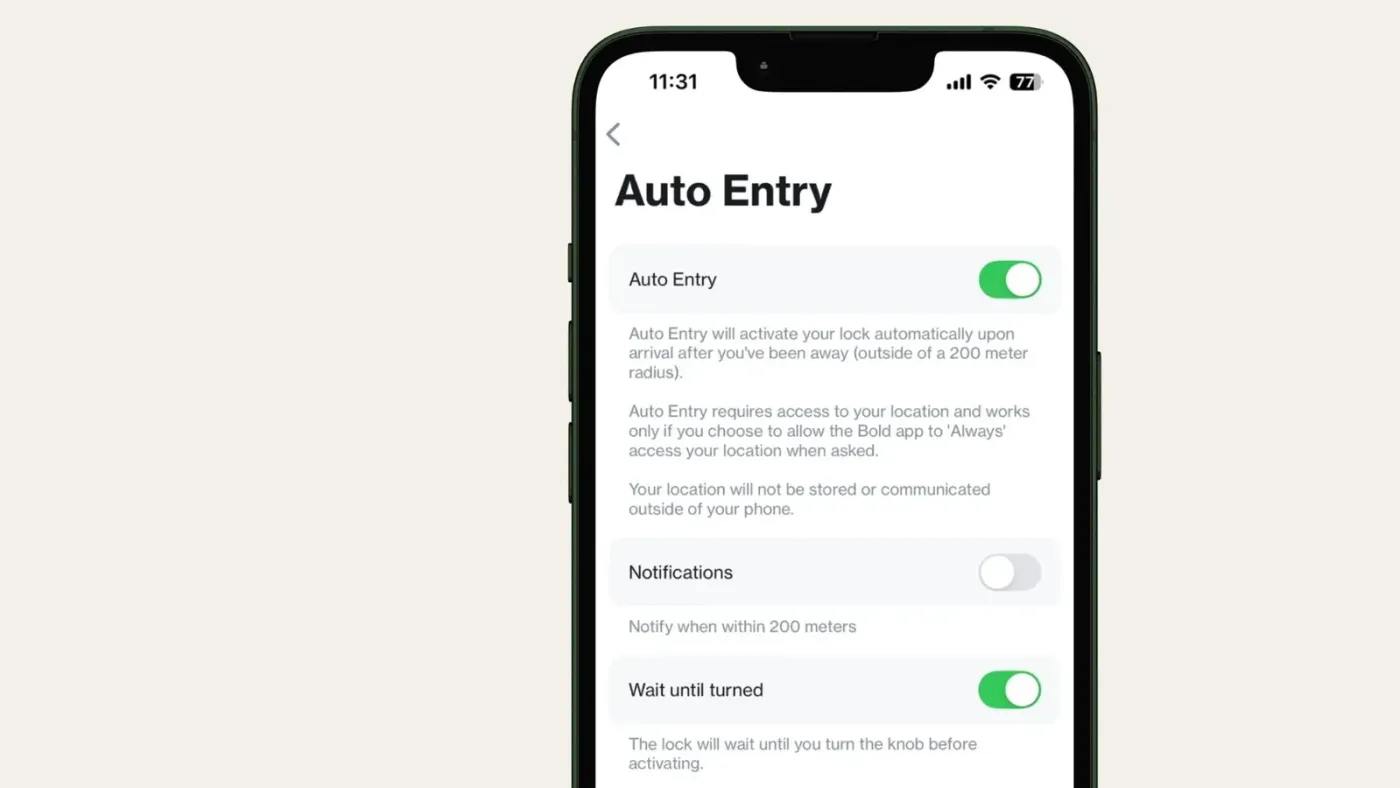 Features unlocked: Wait until turned (in combination with Auto Entry)With Bold’s new ‘Wait Until Turned’ feature, Auto Entry prepares your lock but only unlocks when you turn the knob — combining speed with control, at home or at work.Features Unlocked
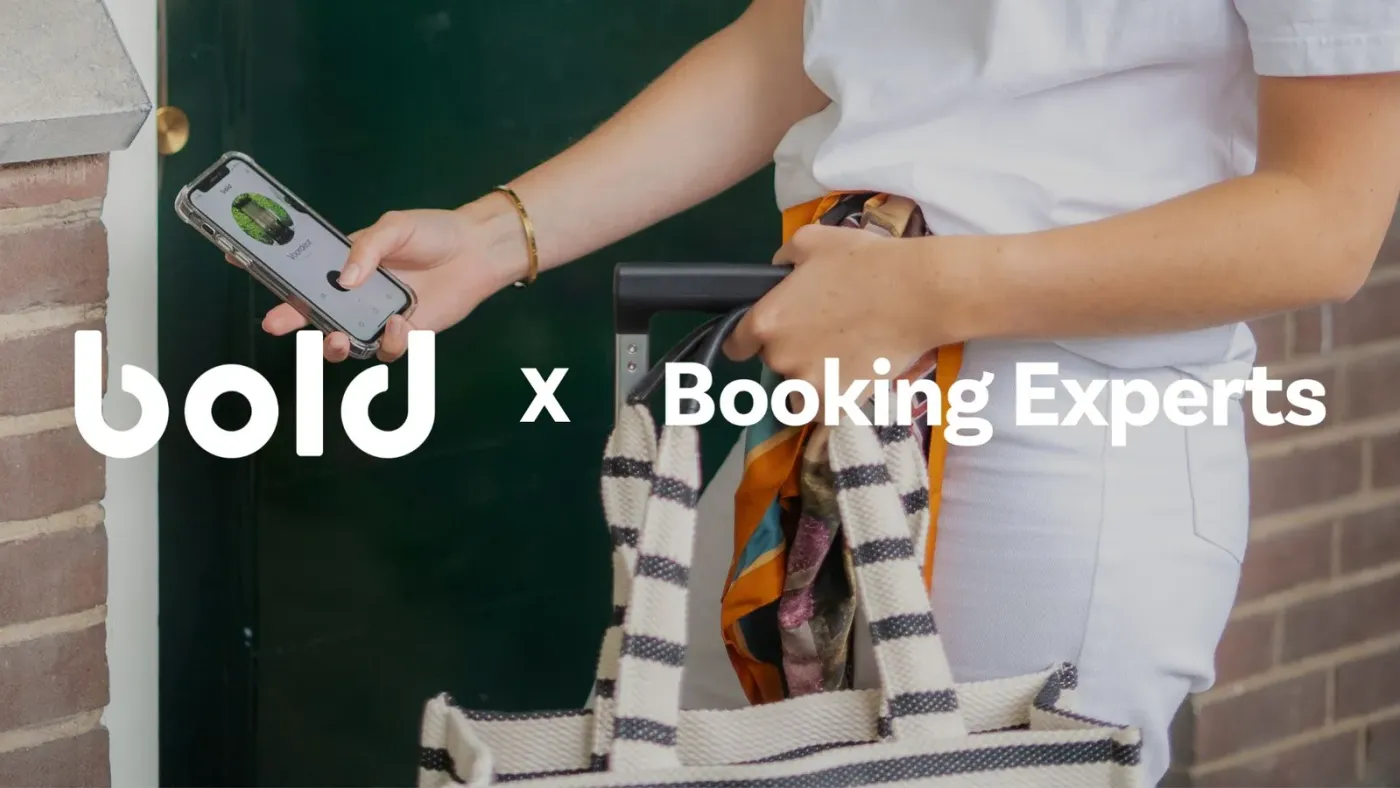 Bold x Booking Experts: Smart access meets seamless reservationsBold x Booking Experts: Digital access meets seamless reservations, guests skip key handovers, go straight to their stay, and hosts save time with fully automated access control.Collaborations
 Unlocking Business Potential: Bistrobar IndonesiaThierry Smagge, owner of Bistrobar Indonesia, shares how Bold has enhanced his restaurant's access and security. By replacing traditional keys with the Bold app, he now has complete control at his fingertips.Unlocking Business Potential