

Bold for Business
Welcome! Here is Bold’s latest on access management for your business: new features, customer stories and practical guides.
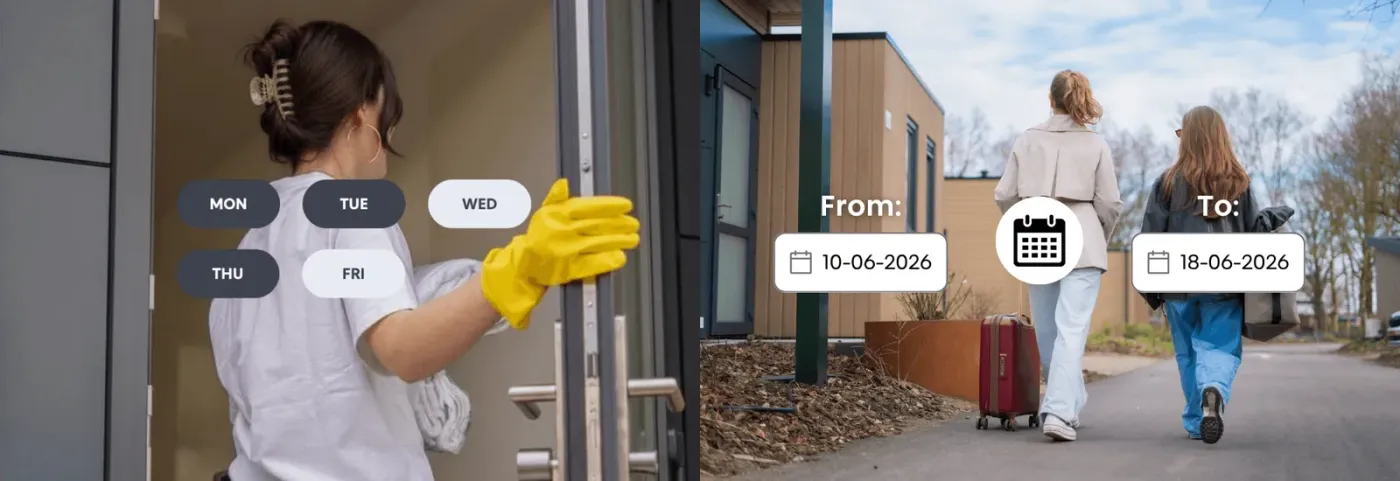 Features unlocked: Scheduled and temporary accessDiscover how scheduled and temporary access work with Bold smart locks. Easily manage recurring routines, guests, employees, and short-term visitors with secure digital access control.Features Unlocked
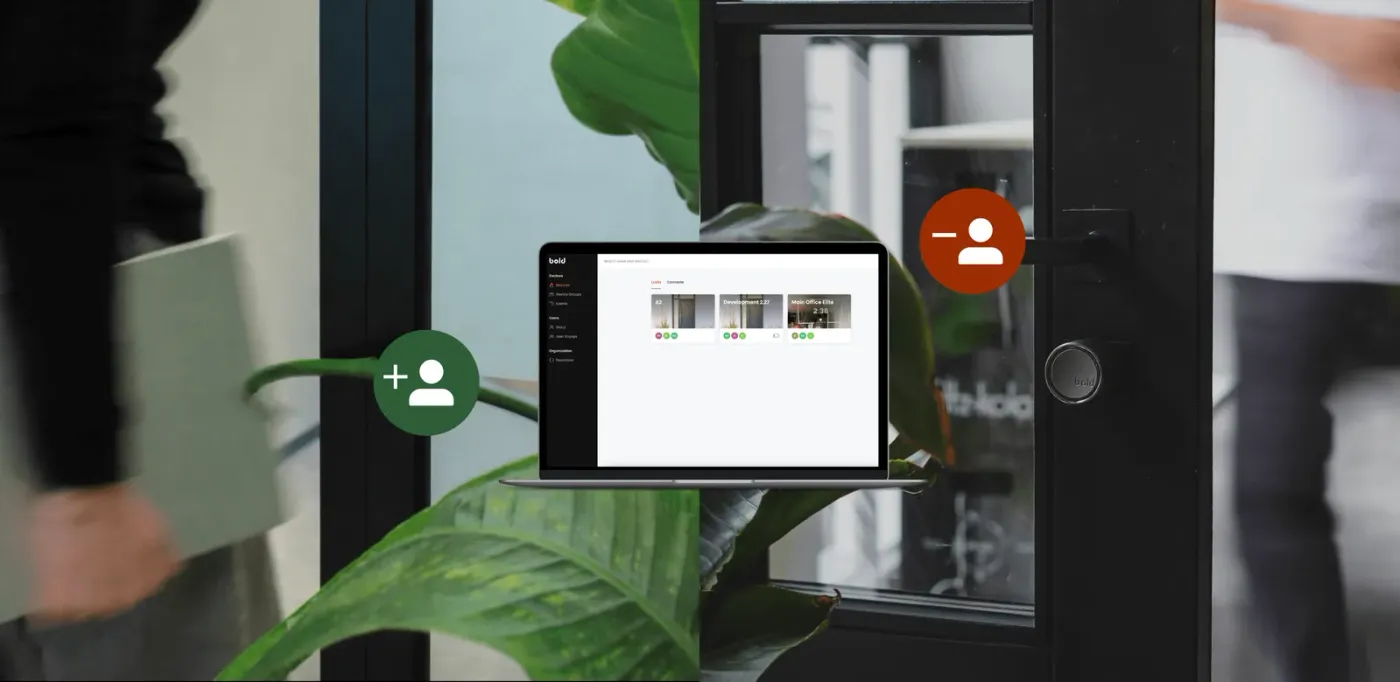 Features Unlocked: Effortless onboarding & offboarding with Bold ProManaging access shouldn’t slow your business down. With Bold Pro, onboarding and offboarding are designed to be smooth - so you stay in control without adding complexity.Features Unlocked
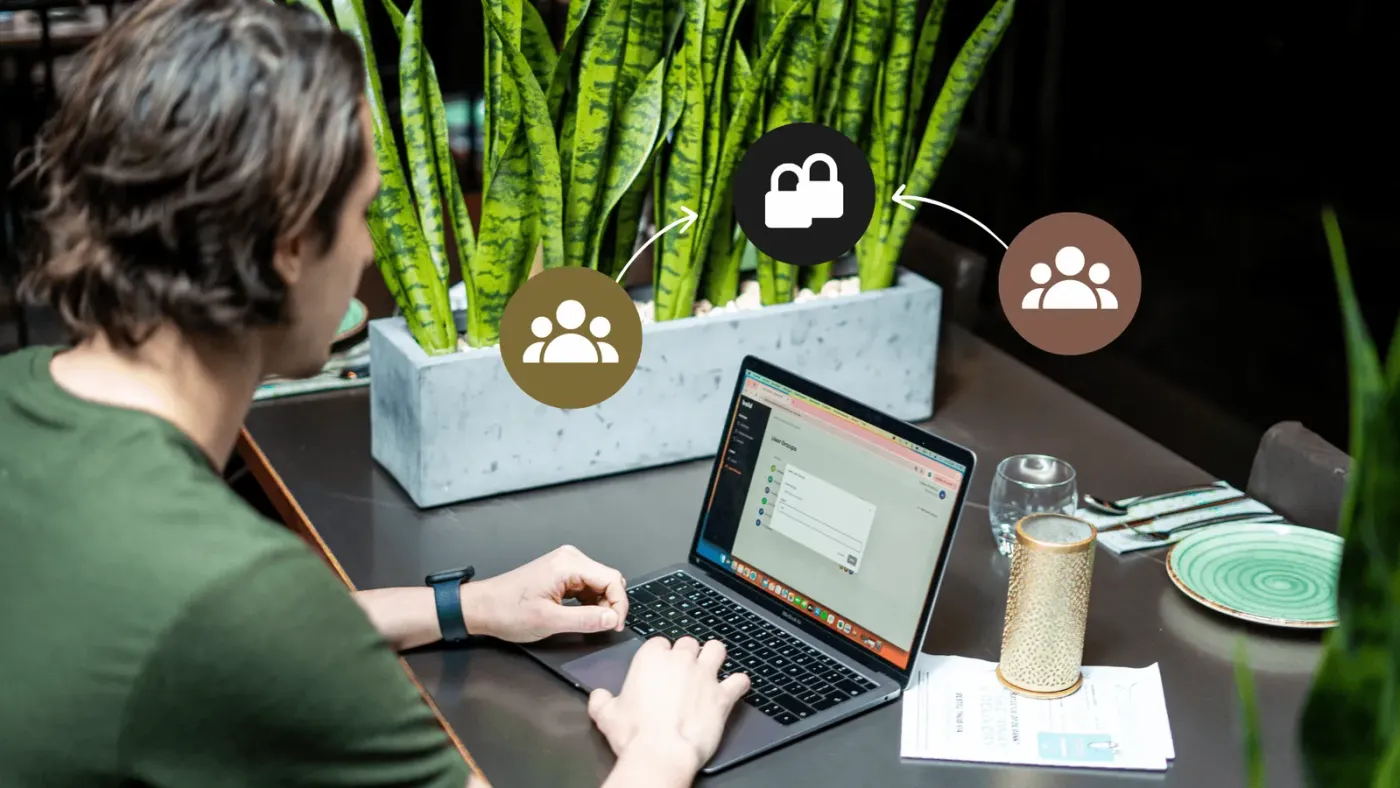 Features unlocked: Bold Pro & smart grouping in the web portalIn this article, we explain how grouping works and show how it brings clarity and control to daily operations.Features Unlocked
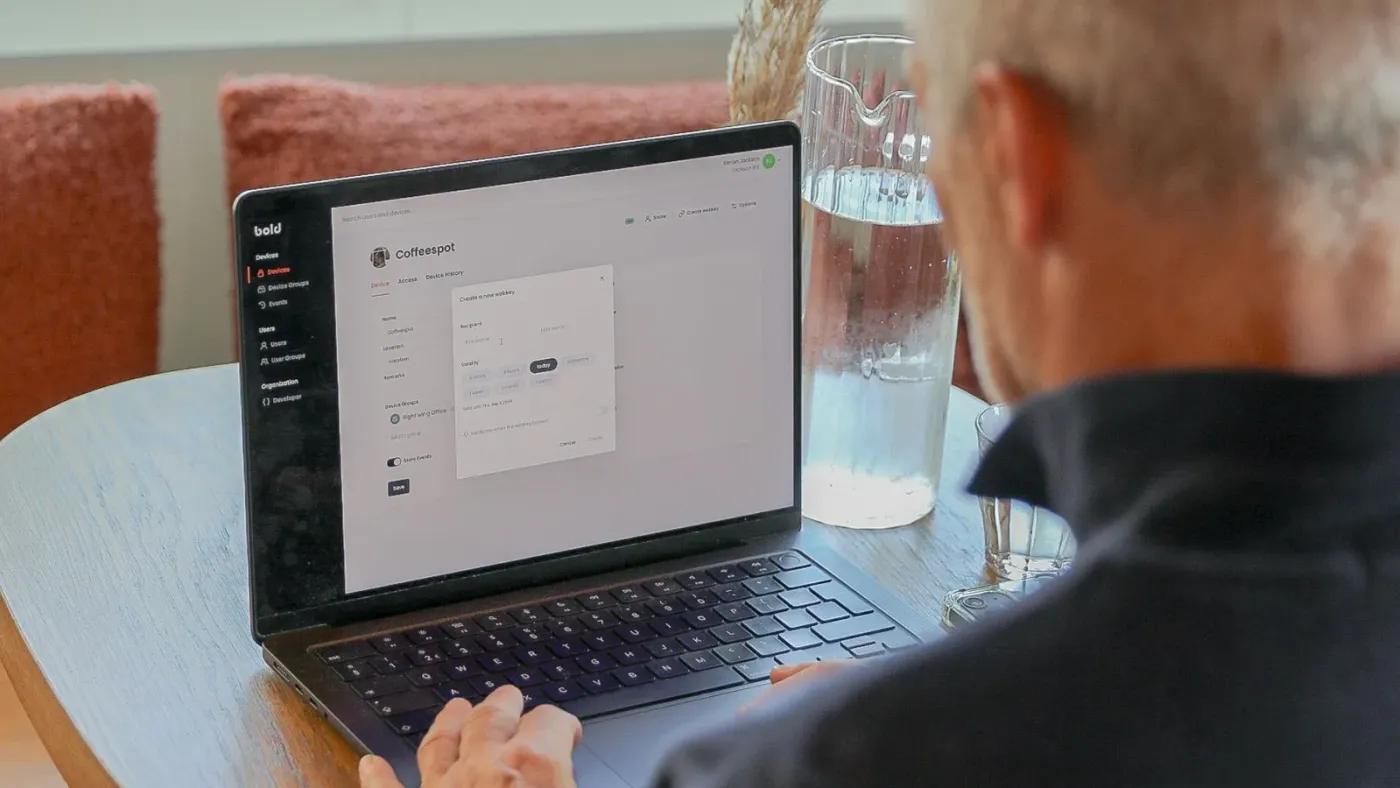 Features unlocked: WebkeysWebkeys are secure, browser-based digital keys that let you grant temporary access easily and without an app. Exclusive to Bold Pro users, they’re ideal for guests, visitors, or service providers. In this blog, you’ll learn how they work and how to create one in just a few clicks, all while keeping full control in your hands.Features Unlocked
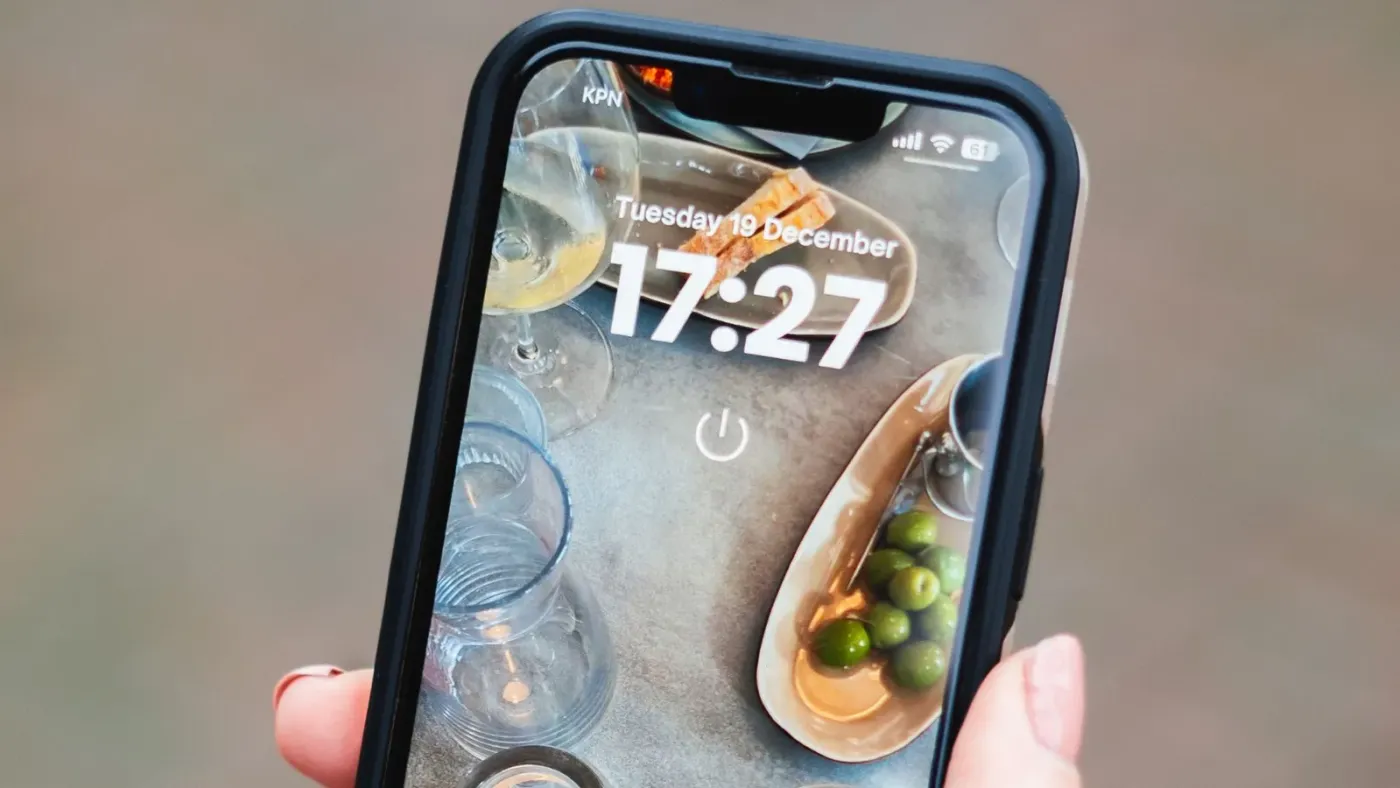 Features unlocked: Bold widget + Turned LockIn this guide, you’ll discover what the Bold widget is, how it works together with the Turned Lock option, and why it’s a must-have for both personal and business use.Features Unlocked
 Features unlocked: Keep Active ModeWith Bold’s Keep Active mode, your smart lock stays unlocked for up to 24 hours - perfect for shops, offices, and busy workdays. Read all about it in this blog.Features Unlocked
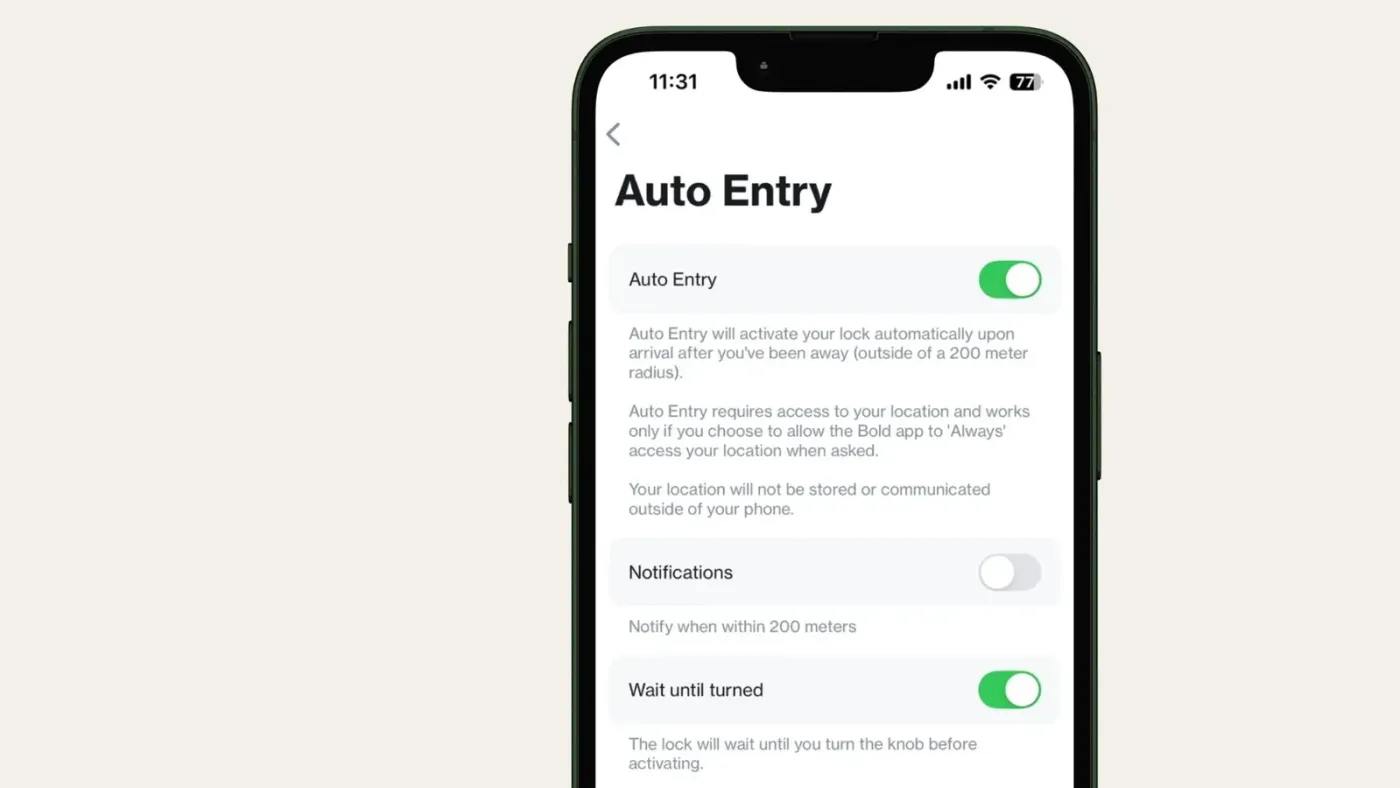 Features unlocked: Wait until turned (in combination with Auto Entry)With Bold’s new ‘Wait Until Turned’ feature, Auto Entry prepares your lock but only unlocks when you turn the knob — combining speed with control, at home or at work.Features Unlocked